Automate Prospecting with n8n, an LLM and Gmail
How I replaced hours of copy-paste prospecting with one n8n workflow: OCR, an LLM that writes each email, Gmail sending and a tracking sheet.
Why automate prospecting?
Prospecting by hand is mostly repetitive work: copy a contact from a document, look up the company, adapt the same email, send it, then remember to follow up. I automated this for my own internship and job search with n8n, an open-source workflow tool (see the project). The same pattern works for lead generation, partnership requests or customer follow-ups.
What does the workflow look like?
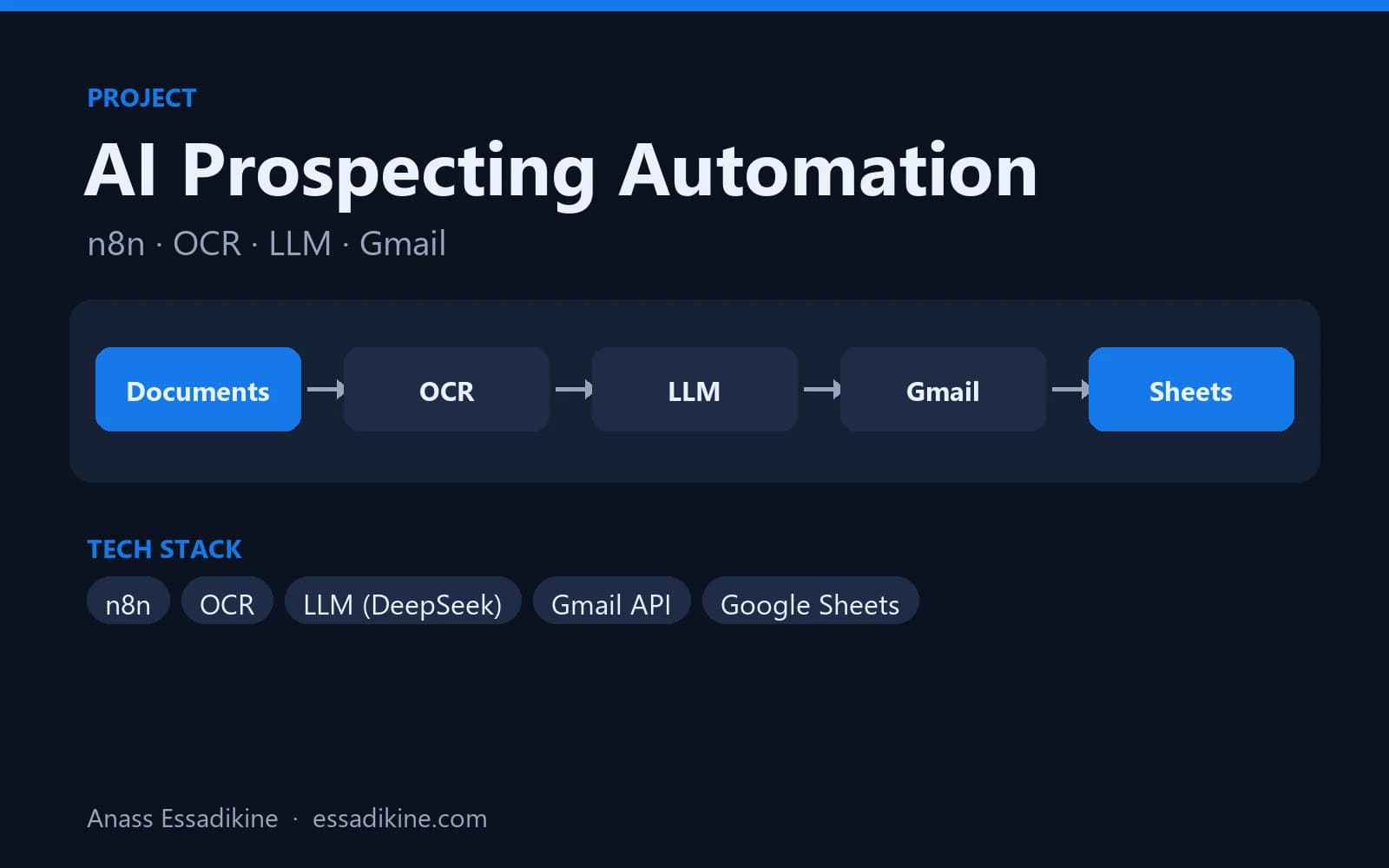
Trigger (manual / schedule)
  → Read source (PDF via OCR, or Google Sheet of leads)
  → LLM: extract fields + write email (JSON output)
  → Filter: skip already-contacted / invalid emails
  → Gmail: send (or create draft)
  → Google Sheets: log contact, subject, status, date
Each box is an n8n node, so every step can be inspected and re-run.
Step 1 — Get the data
If contacts are in documents (scanned lists, PDF brochures), an OCR step extracts the text. If they are already in a spreadsheet, use the Google Sheets node and read one row per lead. Keep a unique key (email or company + name) to avoid duplicates.
Step 2 — Let the LLM return structured JSON
The most important trick: ask the model for JSON only, with a fixed schema. Free text is hard to use in the next nodes.
You are an assistant that prepares prospecting emails.
From the text below, return ONLY valid JSON with this schema:
{"company": "", "contact_name": "", "email": "", "sector": "",
 "subject": "", "body": ""}
Rules:
- body: 90-130 words, in French, polite, one concrete reason
  why I contact this company, one clear question at the end.
- Never invent an email address; leave "" if not found.
Text:
{{ $json.text }}
Then parse the JSON in a Code node and stop the item if email is empty. I used DeepSeek for cost reasons; any model that follows instructions well works.
Step 3 — Send with Gmail, carefully
Use the Gmail node with OAuth credentials.
- Start in draft mode for the first runs and read the drafts.
- Add a Wait node (for example 60–120 seconds) between emails and a daily cap — mass sending can get an account flagged.
- Put your signature and an easy way to opt out.
Step 4 — Track everything in Google Sheets
Append a row per email: date, company, contact, subject, status (sent, skipped, error) and Gmail message ID. This sheet becomes your CRM for follow-ups. A second workflow can read it every few days and prepare a follow-up for contacts without a reply.
How do you handle errors?
- Turn on Retry on fail for the LLM and Gmail nodes.
- Use an Error Trigger workflow that sends you a message (Telegram or email) with the failed item.
- Log the raw LLM output when JSON parsing fails, so you can improve the prompt.
Practical tips
Give the model one specific fact about each company and a strict word limit — generic inputs produce generic emails. And ask for JSON rather than free text: it removes most parsing errors in the next nodes.
Want this for your business?
I build n8n and AI automations for lead generation, reporting and document processing. See my services or contact me.

Related projects
 AI & AutomationPersonal project · 2025
AI Prospecting Automation with n8n
An end-to-end workflow that reads documents with OCR, writes personalised emails with an LLM, sends them through Gmail and tracks everything in Google Sheets.
Frequently asked questions
n8n is open source and free to self-host, for example with Docker on a small server. n8n also offers a paid cloud version if you do not want to manage a server.