CI/CD to Kubernetes (K3s) on AWS with Terraform, Ansible and Jenkins
A complete, reproducible delivery chain for a small team: infrastructure as code, a lightweight Kubernetes cluster and a pipeline that deploys on every push.
Why automate the whole chain?
Manual deployments are slow and fragile: someone connects to a server, pulls the code, rebuilds, and hopes the configuration matches the last time. A CI/CD chain makes every release identical and lets you rebuild the infrastructure from scratch. I built this chain for a React application (see the project).
The architecture
git push → Jenkins
  1. checkout + build (npm ci, npm run build)
  2. docker build → docker push (Docker Hub)
  3. kubectl set image / apply manifests → K3s cluster on AWS
Terraform → EC2 instances, security groups, network
Ansible   → Docker, K3s server + agents, kubeconfig
Step 1 — Provision AWS with Terraform
Terraform describes the infrastructure in code: instances, security groups, key pairs. A minimal instance:
resource "aws_instance" "k3s_server" {
  ami                    = var.ami_id
  instance_type          = "t3.small"
  key_name               = aws_key_pair.deploy.key_name
  vpc_security_group_ids = [aws_security_group.k3s.id]
  tags = { Name = "k3s-server" }
}

output "server_ip" {
  value = aws_instance.k3s_server.public_ip
}
Open only what you need in the security group: SSH from your IP, HTTP/HTTPS for the app, and the Kubernetes API (6443) only from trusted addresses.
Step 2 — Configure the servers with Ansible
Ansible reads the IPs from Terraform's outputs and installs the software. K3s is a lightweight Kubernetes distribution that installs with one command, which makes it a good fit for small clusters:
- hosts: k3s_server
  become: true
  tasks:
    - name: Install K3s server
      shell: curl -sfL https://get.k3s.io | sh -
      args:
        creates: /usr/local/bin/k3s

    - name: Read node token
      slurp:
        src: /var/lib/rancher/k3s/server/node-token
      register: k3s_token
Agents join the cluster with the server URL and that token.
Step 3 — Containerise the application
A multi-stage Dockerfile keeps the final image small: build with Node, serve the static files with Nginx.
FROM node:20-alpine AS build
WORKDIR /app
COPY package*.json ./
RUN npm ci
COPY . .
RUN npm run build

FROM nginx:alpine
COPY --from=build /app/dist /usr/share/nginx/html
Step 4 — The Jenkins pipeline
pipeline {
  agent any
  environment { IMAGE = "myuser/frontend:${env.BUILD_NUMBER}" }
  stages {
    stage('Build image') { steps { sh 'docker build -t $IMAGE .' } }
    stage('Push') {
      steps {
        withCredentials([usernamePassword(credentialsId: 'dockerhub',
          usernameVariable: 'U', passwordVariable: 'P')]) {
          sh 'echo $P | docker login -u $U --password-stdin && docker push $IMAGE'
        }
      }
    }
    stage('Deploy') {
      steps { sh 'kubectl set image deployment/frontend frontend=$IMAGE' }
    }
  }
}
Tag images with the build number or commit SHA, never only latest, so you can roll back with one command.
Step 5 — Kubernetes manifests
A Deployment with two replicas, readiness and liveness probes, and a Service is enough to start. The probes make Kubernetes wait until the new version answers before sending it traffic, which gives zero-downtime rolling updates.
Common pitfalls
- Secrets in the repository — use Jenkins credentials and Kubernetes Secrets.
- No resource limits — one container can starve the node.
- Deploying
latest— rollbacks become guesswork. - Forgetting
terraform destroyon test environments — cloud bills grow quietly.
Same ideas, simpler setup
For this website I use the same principles with fewer moving parts: a Docker image built on each push by GitHub Actions and deployed to a single server behind a Cloudflare Tunnel (see the project). Choose the level of tooling that matches the team and the traffic.
Need help with deployment?
I set up CI/CD pipelines, Docker deployments and cloud servers. See my services or contact me.

Related projects
 Cloud & DevOpsAcademic project · 2024
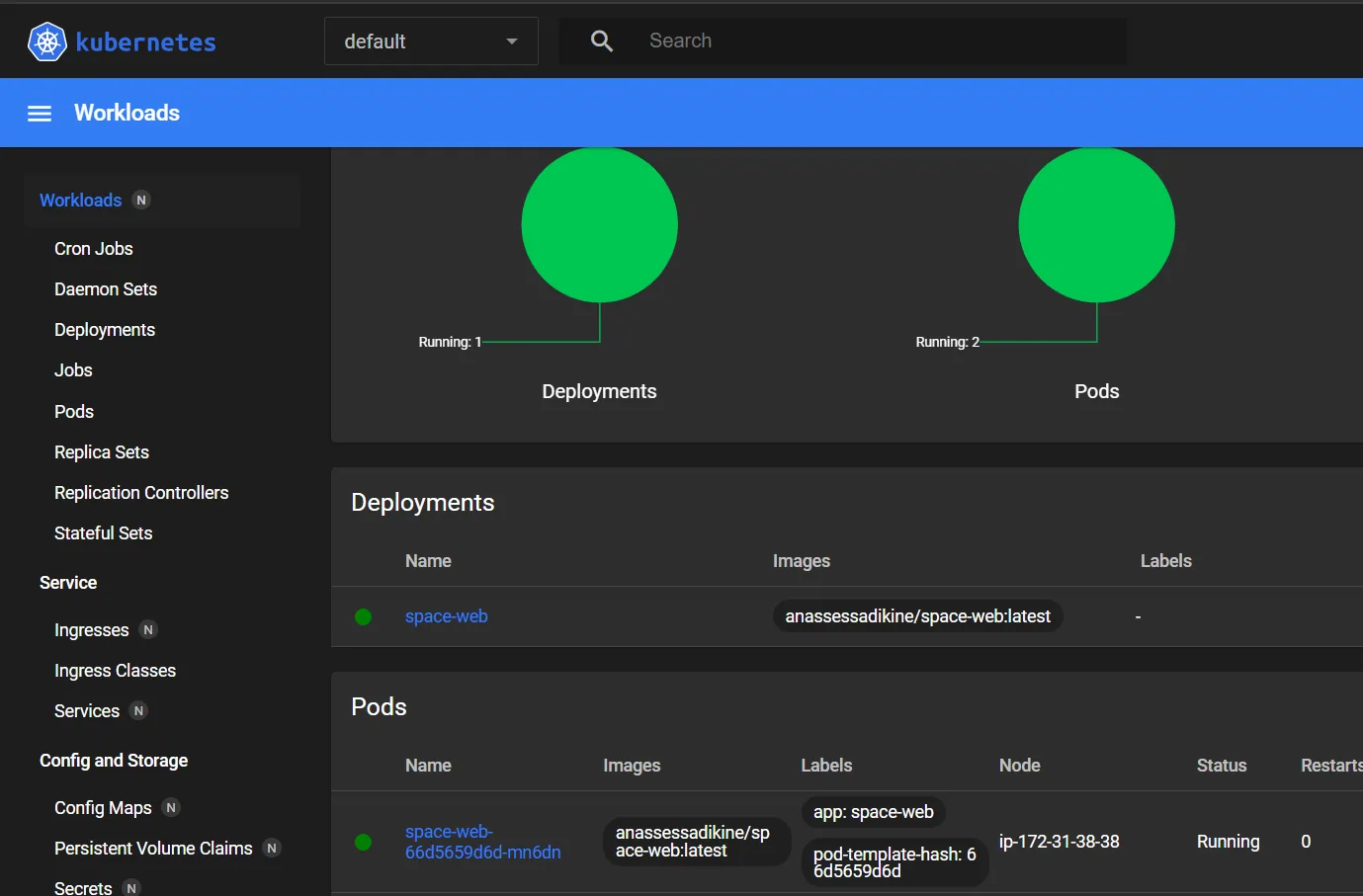
Cloud Deployment with Automated CI/CD
An end-to-end pipeline that builds, containerises and deploys a React app to Kubernetes on AWS on every push.
 Software EngineeringPersonal project · 2026
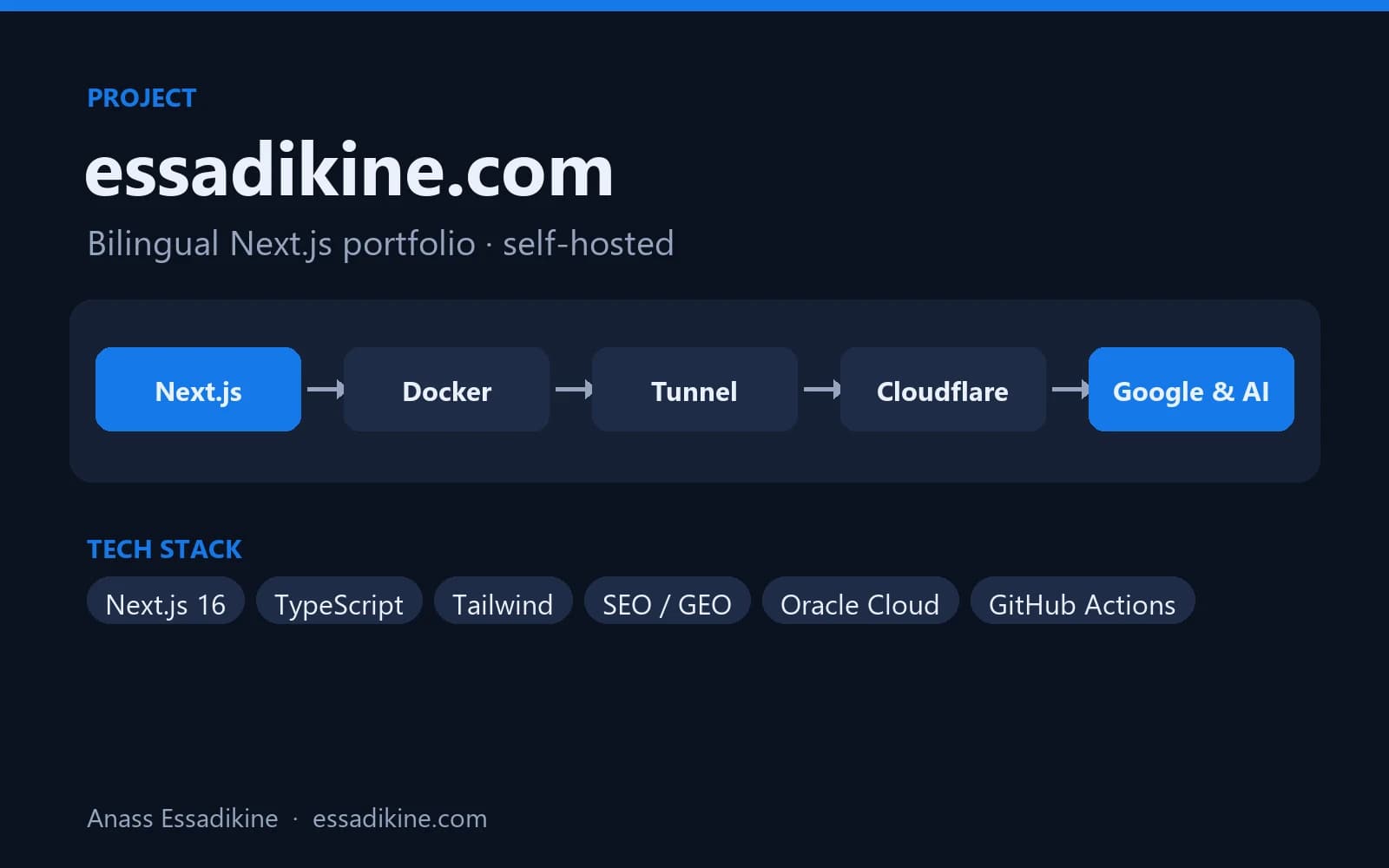
essadikine.com — Bilingual Next.js Portfolio
This website: a fast, bilingual (EN/FR) portfolio optimised for Google and AI answer engines, self-hosted with Docker behind Cloudflare.
Frequently asked questions
K3s is a certified, lightweight Kubernetes distribution packaged as a single binary. It uses less memory and installs quickly, which suits small clusters, edge servers and learning environments.