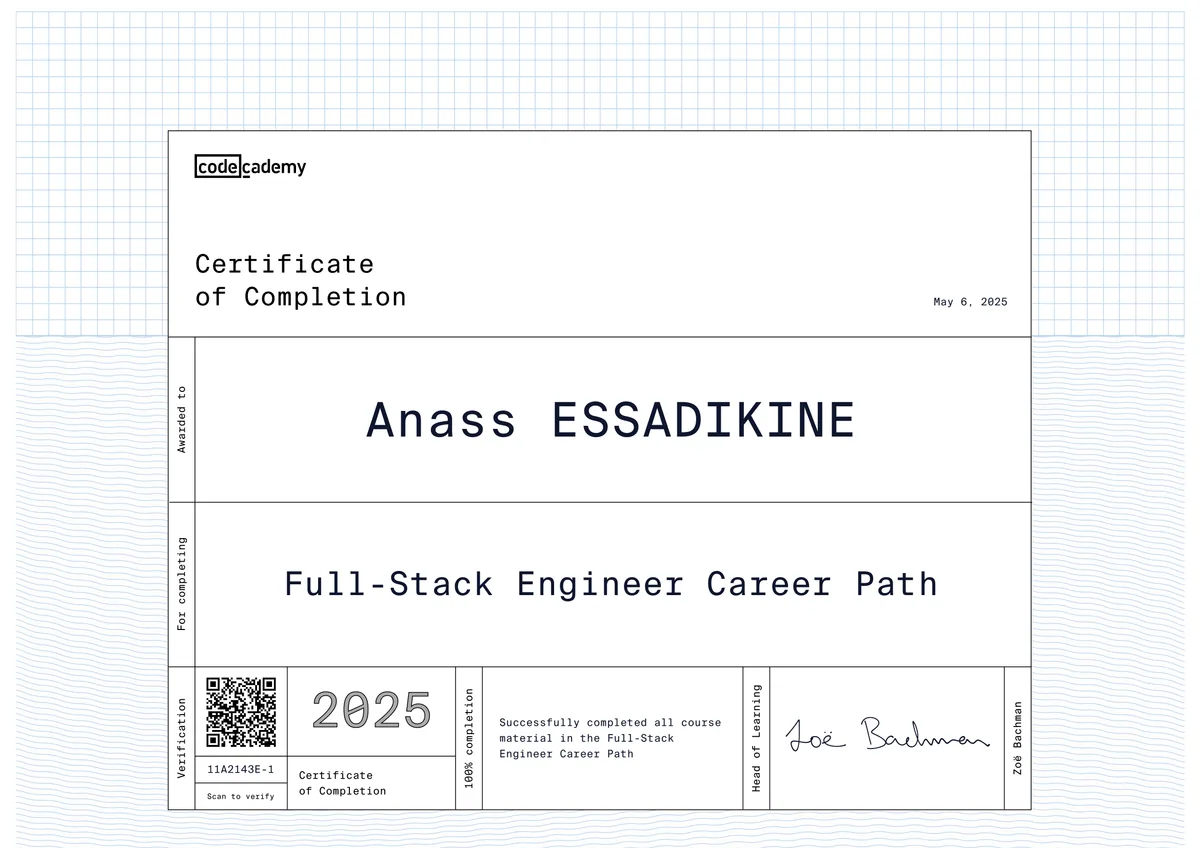
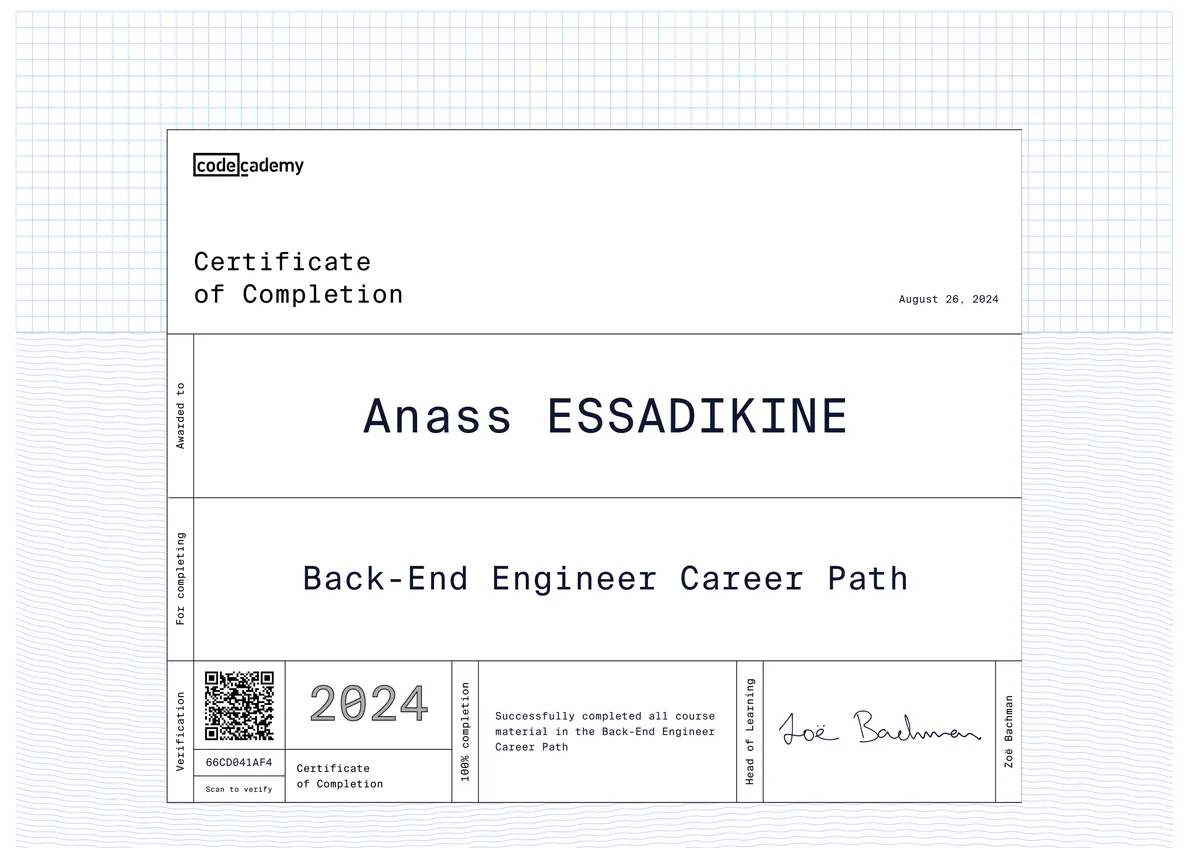
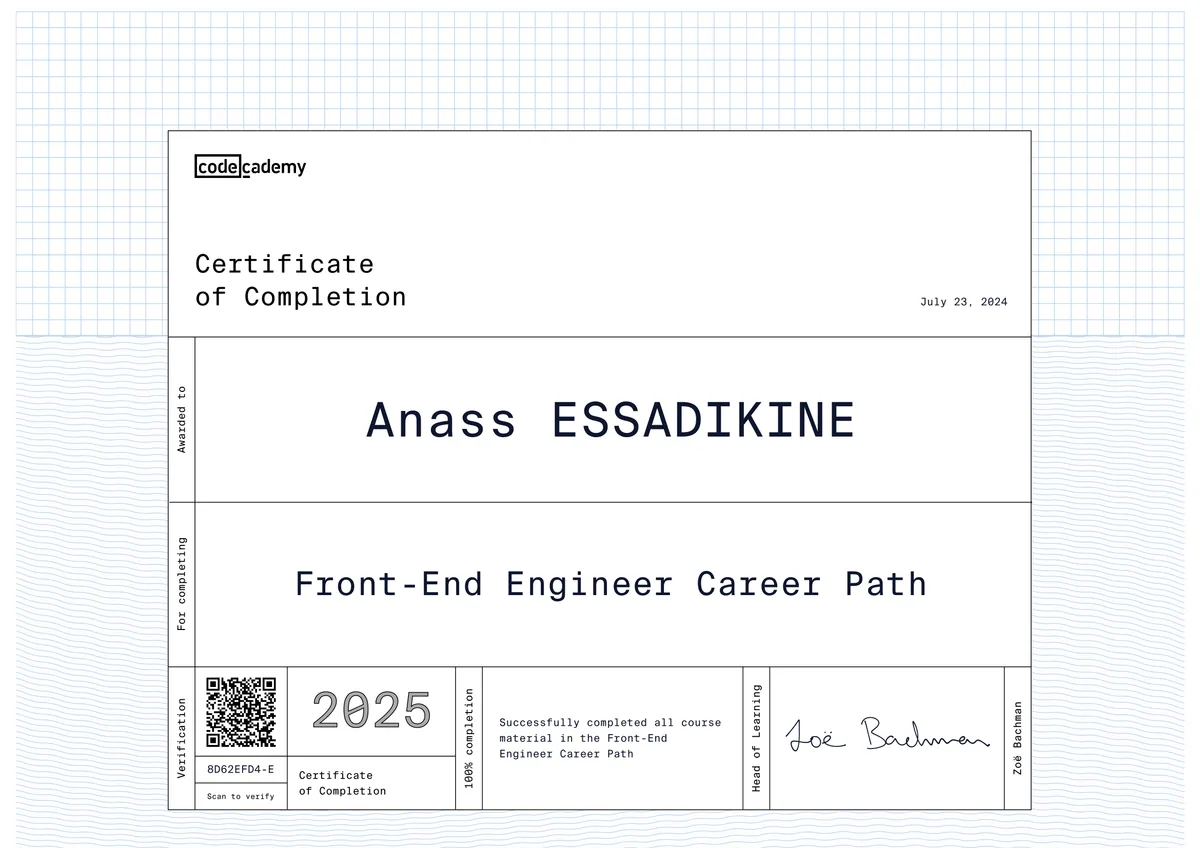
AWS Cloud Practitioner: AWS Developer Services & Tools
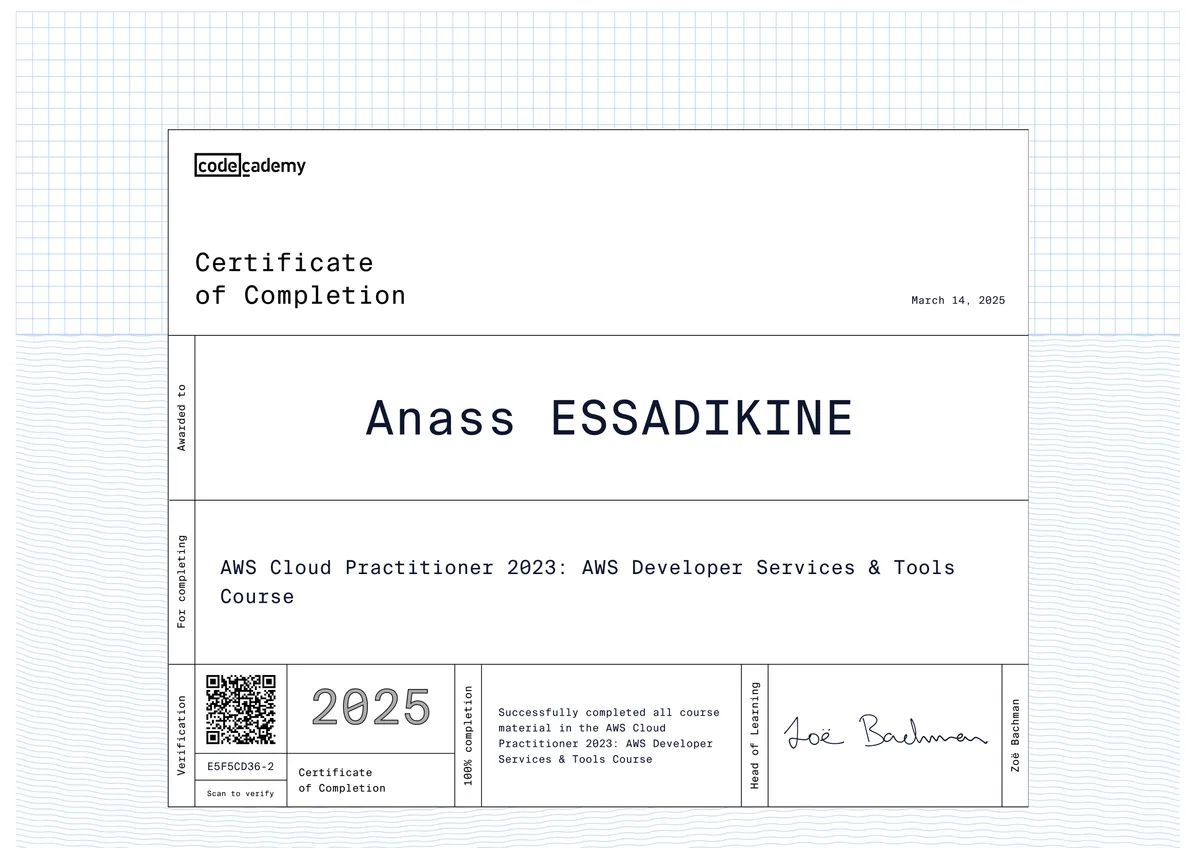
The AWS Cloud Practitioner: AWS Developer Services & Tools course from Codecademy goes past "what is the cloud" basics and into the tools developers actually touch day to day: source control, automated builds, deployments, and infrastructure provisioning, all inside the AWS ecosystem. It's the part of AWS Cloud Practitioner prep that maps most directly onto real engineering work rather than exam trivia.
For enterprises, that matters because a large share of deployment delays trace back to teams that understand code but not the pipeline that ships it. This course covers that layer directly — how a commit becomes a tested build, how a build becomes a deployment, and how that deployment gets hosted and scaled — using the AWS-native services (CodeCommit, CodeBuild, CodeDeploy, CodePipeline, Elastic Beanstalk, CloudFormation) that companies running on AWS rely on every day.
What I learned
1AWS CLI and SDKs
Interacting with AWS services from the command line and from application code using language SDKs, instead of relying only on the web console.
2AWS Cloud9
Using AWS's cloud-based IDE to write, run, and debug code directly against AWS resources from any machine with a browser.
3AWS CodeCommit
Hosting private Git repositories on AWS and managing source control workflows without relying on a third-party Git host.
4AWS CodeBuild
Configuring a fully managed build service that compiles source code, runs automated tests, and produces deployable artifacts on demand.
5AWS CodeDeploy
Automating code deployments to EC2 instances, on-premises servers, or Lambda functions while minimizing downtime during releases.
6AWS CodePipeline
Chaining source, build, test, and deploy stages into a single continuous delivery pipeline that triggers automatically on code changes.
7AWS Elastic Beanstalk
Deploying and scaling web applications by uploading code while AWS handles provisioning, load balancing, and capacity management underneath.
8AWS CloudFormation
Defining and provisioning AWS infrastructure as code using declarative templates so environments can be recreated reliably and repeatably.
Tools & technologies
Applied in my projects
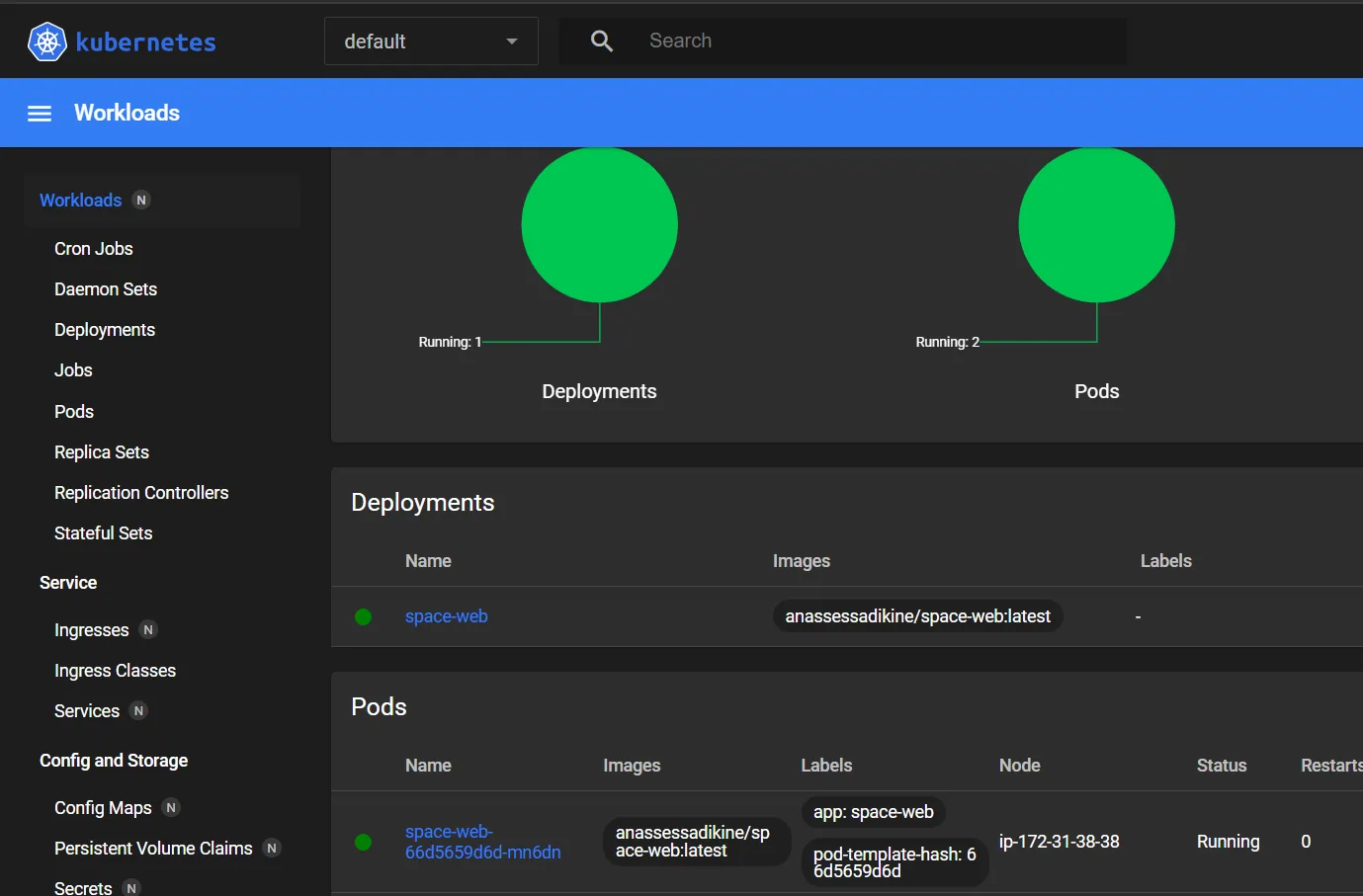
These developer-tooling concepts are exactly what I put into practice in Cloud Deployment with Automated CI/CD, where I built a full pipeline for a React/Vite app using Jenkins, Docker, Docker Hub, Terraform, Ansible, and AWS, deployed onto a K3s cluster with infrastructure provisioned as code. The course's coverage of CodeBuild, CodeDeploy, CodePipeline, and CloudFormation reinforced the same principles I implemented there with Jenkins and Terraform — automated builds, scripted infrastructure, and repeatable deployments — giving me both the AWS-native vocabulary and the hands-on pipeline experience employers look for in a DevOps-capable full-stack developer.
Why this matters for employers
For hiring managers, this credential signals I understand the developer side of AWS, not just cloud theory: I can speak fluently about how a Git commit becomes a tested build, an automated deployment, and a monitored production service using AWS-native tooling — CodeCommit, CodeBuild, CodeDeploy, CodePipeline, and Elastic Beanstalk — instead of generic CI/CD jargon. That vocabulary sits directly on top of the CI/CD, Docker, and Terraform pipeline I've already shipped in production-style projects, so I need less hand-holding when a team discusses deployment pipelines, IAM permissions, or infrastructure-as-code decisions on an AWS-hosted stack from day one.
Related projects
 Cloud / DevOps2024
Cloud Deployment with Automated CI/CD
An end-to-end CI/CD pipeline that builds, containerizes and deploys a React app to AWS automatically.
Frequently asked questions
It's a module in Codecademy's AWS Cloud Practitioner learning path focused specifically on the AWS services developers use to build, deploy, and automate applications — CodeCommit, CodeBuild, CodeDeploy, CodePipeline, Elastic Beanstalk, Cloud9, and CloudFormation — rather than general cloud theory.