Inside the Codecademy Front-End Engineer Career Path: What I Learned and Built
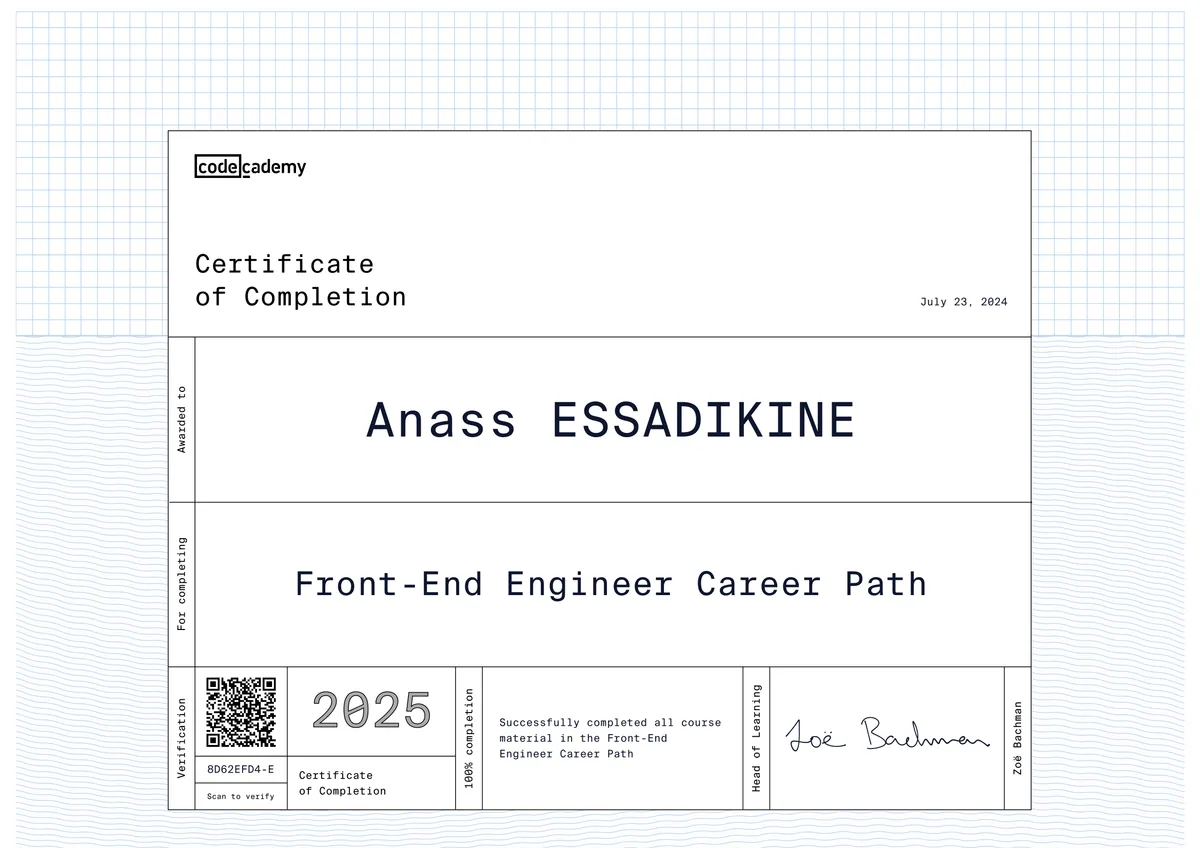
The Front-End Engineer Career Path is Codecademy's flagship, project-based certification for building production-ready user interfaces. It isn't a single course — it's a structured sequence that takes a learner from HTML and CSS fundamentals through JavaScript, React, TypeScript, Git-based collaboration, and automated testing, ending in a self-built capstone project and technical interview preparation.
For employers, that structure matters more than the badge itself: it signals I can take an interface from static mockup to a tested, version-controlled, deployable React application using the same tools — component architecture, type safety, unit tests, Git workflows — that front-end teams run in production every day, not just in isolated tutorials.
What I learned
1HTML & CSS Foundations
Semantic HTML5 structure, the CSS box model, and responsive layouts built with Flexbox and CSS Grid — the baseline for accessible, cross-browser interfaces.
2JavaScript Programming
Core ES6+ syntax, DOM manipulation, event handling, and asynchronous JavaScript with promises, async/await, and the Fetch API for consuming REST APIs.
3Git & GitHub for Collaboration
Branching, merging, pull requests, and conflict resolution — the same Git workflow professional engineering teams use to collaborate on shared codebases.
4React.js & Component Architecture
Building UIs with components, JSX, props, and state; managing side effects and lifecycle with hooks like useState and useEffect; structuring multi-view single-page applications.
5TypeScript for Front-End Development
Static typing for JavaScript and React — interfaces, type annotations, and generics — to catch bugs before runtime and keep growing codebases maintainable.
6Testing Front-End Applications
Writing unit and component tests with Jest and React Testing Library to verify UI behavior and catch regressions before code ships.
7Capstone Project & Technical Interview Prep
Designing, building, and deploying an original front-end application end-to-end, then practicing whiteboarding, take-home challenges, and mock interviews for front-end engineering roles.
Tools & technologies
Applied in my projects
I put these exact skills to work on University Housing Management (FSBM), where I built the React front end — component state, hooks, and API calls into a Spring Boot backend — and on the Blog Management Application, a full CRUD interface built with React and Material UI for content creation and moderation. My Developer Portfolio Website applies the HTML, CSS, and JavaScript fundamentals from the earlier modules directly — hand-built and hand-styled with Tailwind CSS rather than a page builder.
Why this matters for employers
For hiring managers, this certification is shorthand for production-ready front-end skills rather than tutorial-only knowledge: I can turn designs into responsive, accessible interfaces, manage state in React with hooks, write typed code in TypeScript, and back it with automated tests — the exact stack most JavaScript/React job postings list under "requirements." Combined with the backend and DevOps work across my other projects, it means I can own a feature from UI through deployment, cutting the ramp-up time and hand-off friction a front-end-only hire would otherwise need.
Related projects
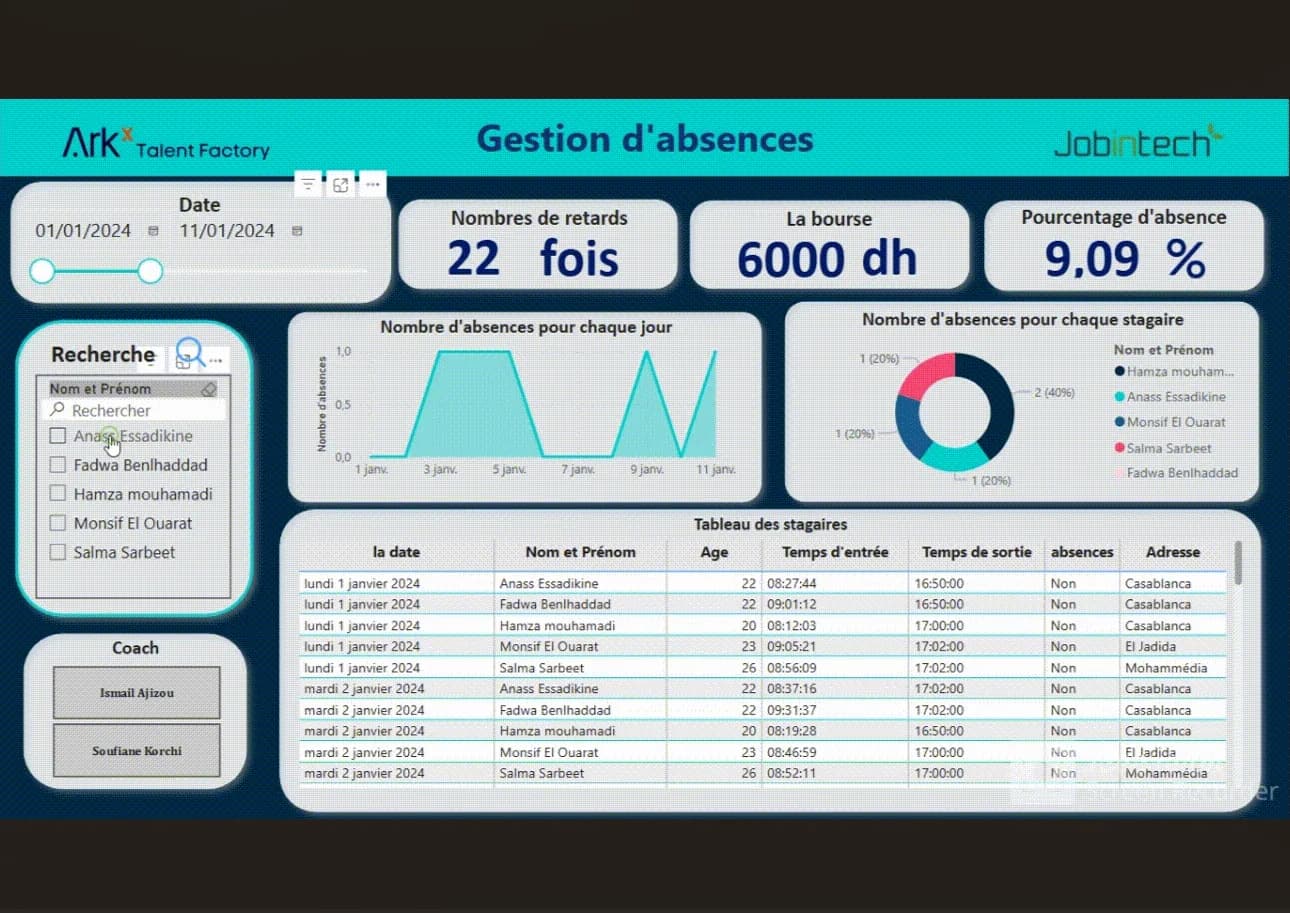 Web Development2024
University Housing Management (FSBM)
A secure platform for managing student housing requests, allocations, and payments end-to-end.
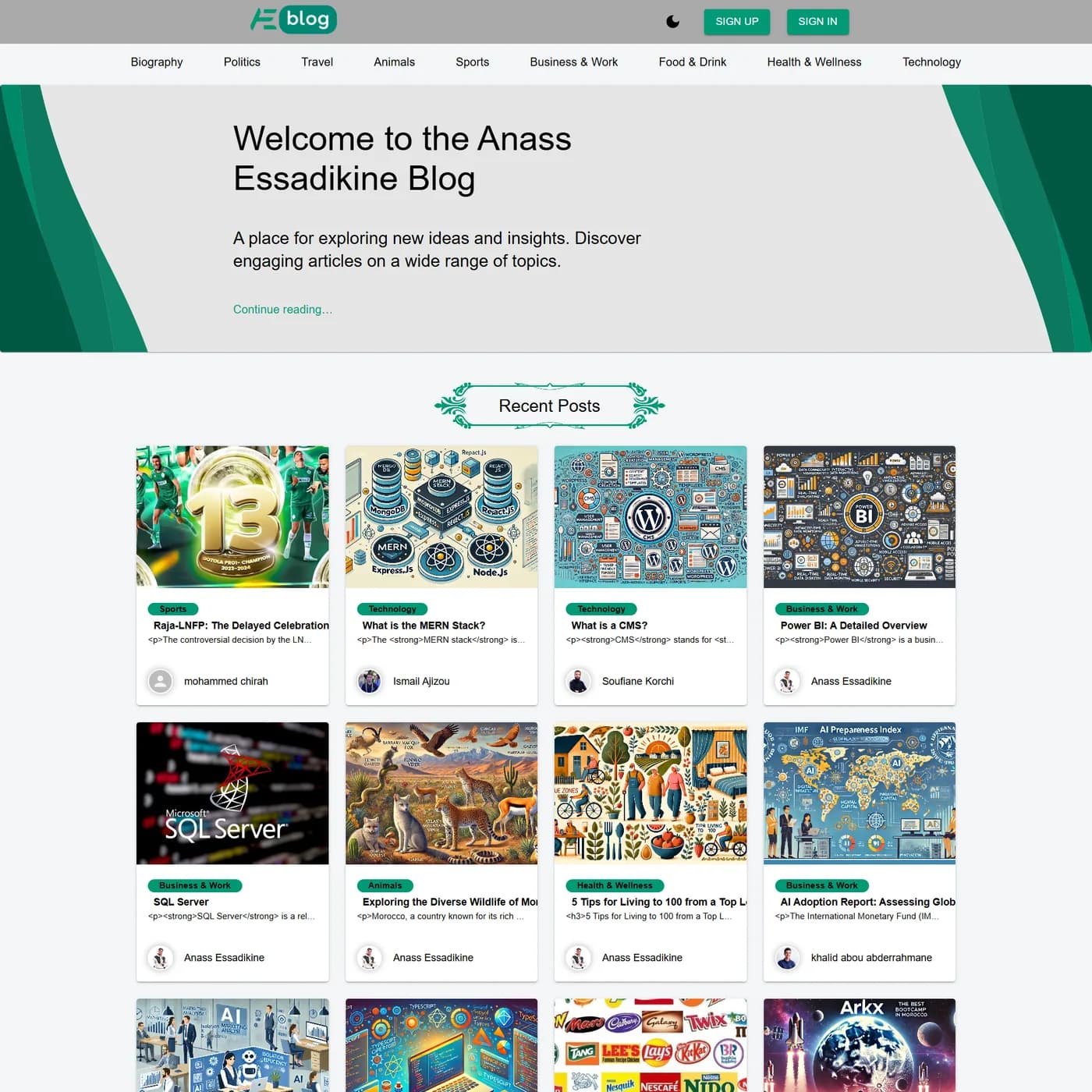 Web Development2024
Blog Management Application
A complete MERN blogging platform with authentication, content authoring and rich management.
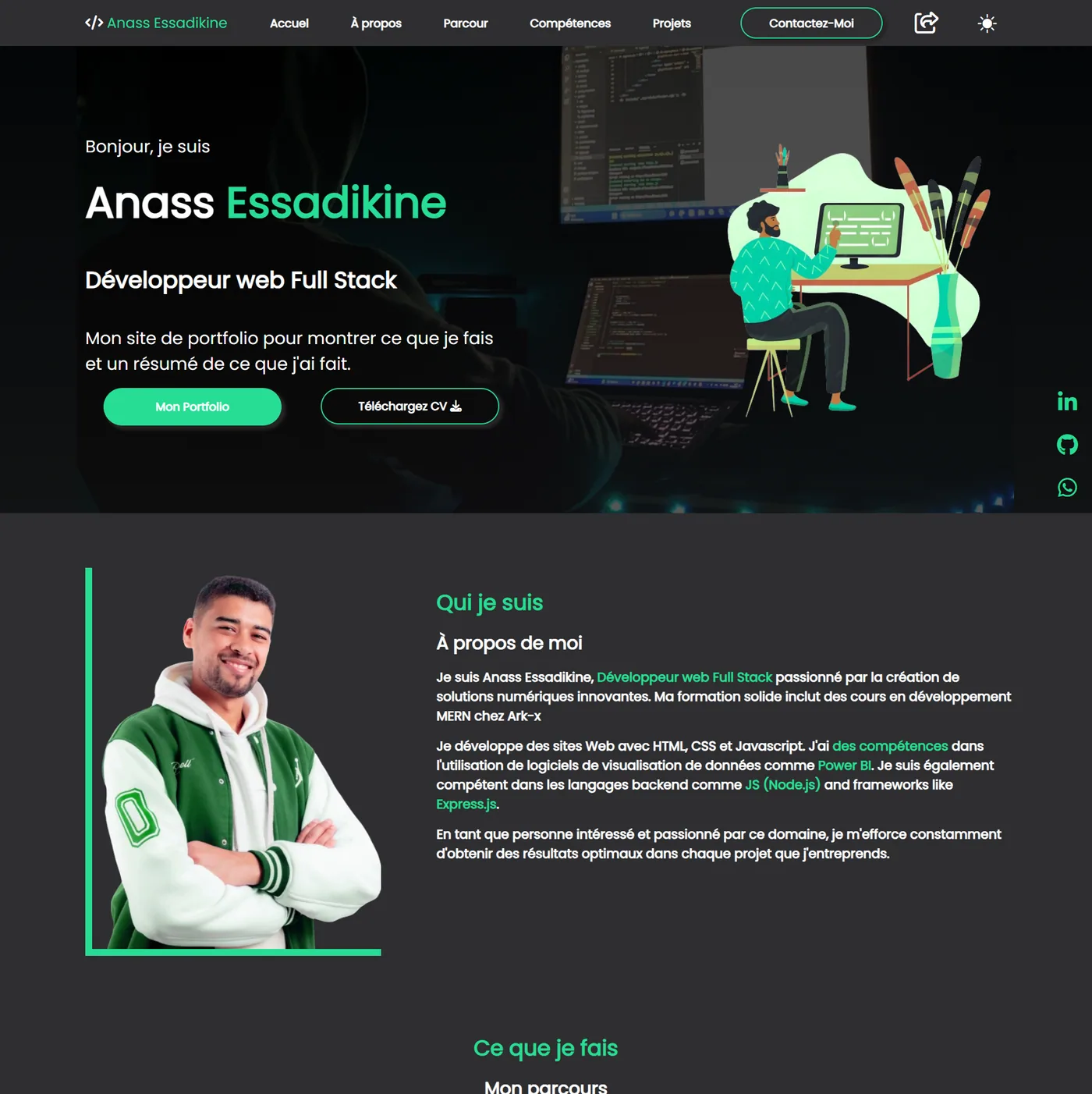 Web Development2024
Personal Portfolio — Developer Website
A responsive portfolio to showcase projects, skills and a downloadable CV.
Frequently asked questions
It's a project-based certification covering HTML, CSS, JavaScript, React, TypeScript, Git/GitHub, and automated testing, taking a learner from web fundamentals to a deployed, portfolio-ready front-end application.