Power BI Dashboard Examples: 6 Business Templates and How to Build Them
Six Power BI dashboard examples by business function, with the KPIs to show, a reusable page layout and the DAX measures behind them.
What does a good Power BI dashboard look like?
A good Power BI dashboard answers one business question per page, shows four to six KPIs at the top, then explains them with a trend, a breakdown and a detail table. Readers should understand the situation in five seconds and find the cause in thirty. The examples below follow that rule and reuse one common template, so you can adapt them to your own data.
Note on vocabulary: in the Power BI service, a dashboard is technically a single page of pinned tiles, while a report has several interactive pages. In everyday business language, both are called dashboards; this article uses the everyday sense.
What is the reusable template behind every example?
Every dashboard here uses the same layout on a 16:9 page:
| Zone | Content | Visual |
|---|---|---|
| Top band | 4 to 6 KPIs with comparison (vs last year or target) | Cards or KPI visuals |
| Left or top bar | Slicers: period, region, category | Slicers (synced across pages) |
| Centre left | Trend over time | Line or column chart |
| Centre right | Breakdown by category | Sorted bar chart |
| Bottom | Detail for action | Table or matrix with conditional formatting |
And the same base measures, written once in a _Measures table:
Total Sales = SUM ( Sales[Amount] )

Sales LY =
CALCULATE ( [Total Sales], SAMEPERIODLASTYEAR ( 'Date'[Date] ) )

Sales YoY % = DIVIDE ( [Total Sales] - [Sales LY], [Sales LY] )

Sales vs Target % = DIVIDE ( [Total Sales], SUM ( Targets[Amount] ) )

KPI Colour =
IF ( [Sales vs Target %] >= 1, "#1B7F3B", "#C0392B" )
The KPI Colour measure is used in conditional formatting > Field value to colour cards or table cells without hard-coding rules in each visual. All of this assumes a clean star schema with a date table; see the Power BI star schema guide if your data is still one flat export.
Example 1 — Sales dashboard
Question answered: are we selling more than last year, where, and what?
- KPIs: revenue, revenue vs last year (%), number of orders, average basket, achievement vs target.
- Trend: monthly revenue this year vs last year.
- Breakdown: revenue by region or city (Casablanca, Rabat, Tangier, Marrakech…), by product category, by sales rep.
- Detail: top 20 customers with their growth.
Orders = DISTINCTCOUNT ( Sales[OrderID] )

Average Basket = DIVIDE ( [Total Sales], [Orders] )
Example 2 — Finance dashboard
Question answered: are we profitable and are we being paid on time?
- KPIs: revenue, gross margin, margin %, operating expenses, open receivables, days sales outstanding (DSO).
- Trend: monthly margin and expenses vs budget.
- Breakdown: expenses by cost centre; receivables by age bucket (0–30, 31–60, 61–90, 90+ days).
- Detail: overdue invoices by customer.
Gross Margin = [Total Sales] - SUM ( Sales[Cost] )

Margin % = DIVIDE ( [Gross Margin], [Total Sales] )

Open Receivables =
CALCULATE ( SUM ( Invoices[AmountDue] ), Invoices[Status] = "Open" )

Sales Last 90 Days =
CALCULATE (
    [Total Sales],
    DATESINPERIOD ( 'Date'[Date], MAX ( 'Date'[Date] ), -90, DAY )
)

DSO = DIVIDE ( [Open Receivables], [Sales Last 90 Days] ) * 90
Payment delays are a sensitive topic for many Moroccan companies; a DSO computed the same way every month is worth more than a figure recalculated by hand.
Example 3 — HR dashboard
Question answered: how is the workforce evolving and where are we losing people?
- KPIs: headcount at end of period, hires, departures, turnover rate, absenteeism rate.
- Trend: headcount by month.
- Breakdown: headcount by department, site, contract type, seniority band.
- Detail: departures by department and reason.
HR data is personal data. Use row-level security so each manager sees only their team, and aggregate small groups so individuals cannot be identified. In Morocco, processing personal data falls under law 09-08 and the oversight of the CNDP; check your obligations with your legal team.
Example 4 — Inventory and supply chain dashboard
Question answered: do we have the right stock in the right place?
- KPIs: stock value, stock quantity, items below safety stock, stock coverage (days), service rate.
- Trend: stock value by week.
- Breakdown: stock by warehouse and product family.
- Detail: items at risk of stock-out, sorted by coverage.
Stock is a semi-additive figure: you add it across warehouses, but not across days. Take the last date of the period instead:
Closing Stock =
CALCULATE ( SUM ( Inventory[Quantity] ), LASTDATE ( 'Date'[Date] ) )
Example 5 — Marketing dashboard
Question answered: which channels bring customers at an acceptable cost?
- KPIs: spend, leads, cost per lead, conversion rate, revenue attributed.
- Trend: leads and spend by week.
- Breakdown: by channel (Google Ads, Meta, emailing, organic search, events).
- Detail: campaigns with their cost per lead and conversions.
If your marketing data mostly comes from Google tools, Looker Studio is a valid alternative; Power BI becomes interesting when you join marketing with sales and CRM data.
Example 6 — Customer service dashboard
Question answered: are customers served quickly and well?
- KPIs: tickets or calls received, resolved, average handling time, first-contact resolution, satisfaction score.
- Trend: volume by day and hour.
- Breakdown: by channel (phone, WhatsApp, email), by reason, by agent team.
- Detail: tickets open beyond the target time.
Which examples fit which sector in Morocco?
| Sector | Most useful dashboards |
|---|---|
| Retail and distribution | Sales by store and city, stock coverage, promotions |
| Banking and insurance | Production by branch, claims, customer service, risk indicators |
| Telecoms | Subscriptions, churn, call-centre performance |
| Industry and logistics | Stock, deliveries on time, production output |
| Public sector and social data | Volumes by region and period, processing delays, data quality |
For the last line, the CNSS-style decision-support project shows the approach: a star-schema warehouse with dashboards filterable by period, region and category (built in Tableau, the same logic applies in Power BI). The D&A Studio platform also included Power BI dashboards and the definition of its main KPIs.
How do you build your dashboard from these examples?
Step 1 — Write the questions
List the three to five questions the reader must answer every week. One question per page.
Step 2 — Define each KPI precisely
For each KPI: formula, source, filters, refresh frequency, owner. "Revenue" must mean the same thing for sales and finance (with or without tax, invoiced or delivered).
Step 3 — Model, then measure
Build the star schema, create the base measures above, and check a few totals against the source system before designing anything.
Step 4 — Design with restraint
- Same colour for the same meaning on every page.
- Sorted bar charts rather than pie charts with ten slices.
- Labels in the readers' language; French for most Moroccan business users, with Arabic labels where needed.
- Test on the Power BI mobile layout if managers read on their phone.
Step 5 — Publish, secure and iterate
Publish to a workspace, set the scheduled refresh, apply row-level security, and review usage after a few weeks: pages nobody opens can be removed.
How do you keep a Power BI dashboard fast?
- Load only the columns and history you need; old years can live in an archive report.
- Prefer measures to calculated columns, and numeric keys to long text keys.
- Limit the number of visuals per page: each one sends its own query.
- Use the Performance Analyzer in Power BI Desktop to find the slow visual or measure before guessing.
Common mistakes in Power BI dashboards
- Twenty visuals on one page: nobody knows where to look.
- KPIs without comparison: "1.2M MAD" means nothing without last year or a target.
- Calculations repeated in each visual instead of shared measures.
- Default theme colours that change meaning from one page to another.
Conclusion
The best Power BI dashboard examples share the same skeleton: clear questions, a few compared KPIs, a trend, a breakdown and an actionable detail. Start from this template, plug in your measures, and adapt the KPIs to your sector. To go further on formulas, read the essential DAX formulas. For a dashboard built on your own data, see the Power BI dashboard service.

Related projects
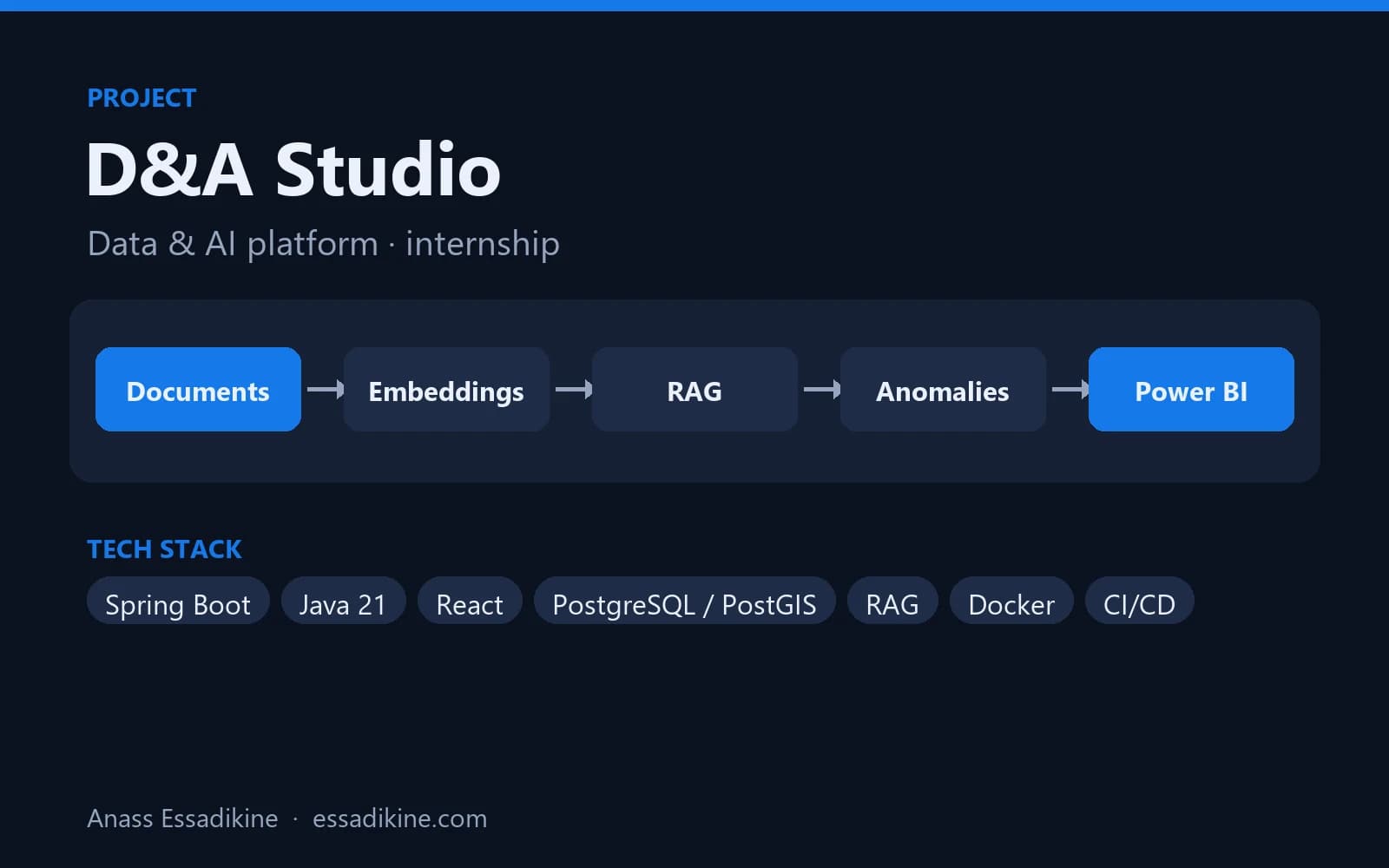 AI & AutomationInternship · 2026
D&A Studio — Data & AI Platform (PaaS)
A platform that brings geospatial tracking data, an AI assistant on company documents, anomaly detection and BI dashboards into one place.
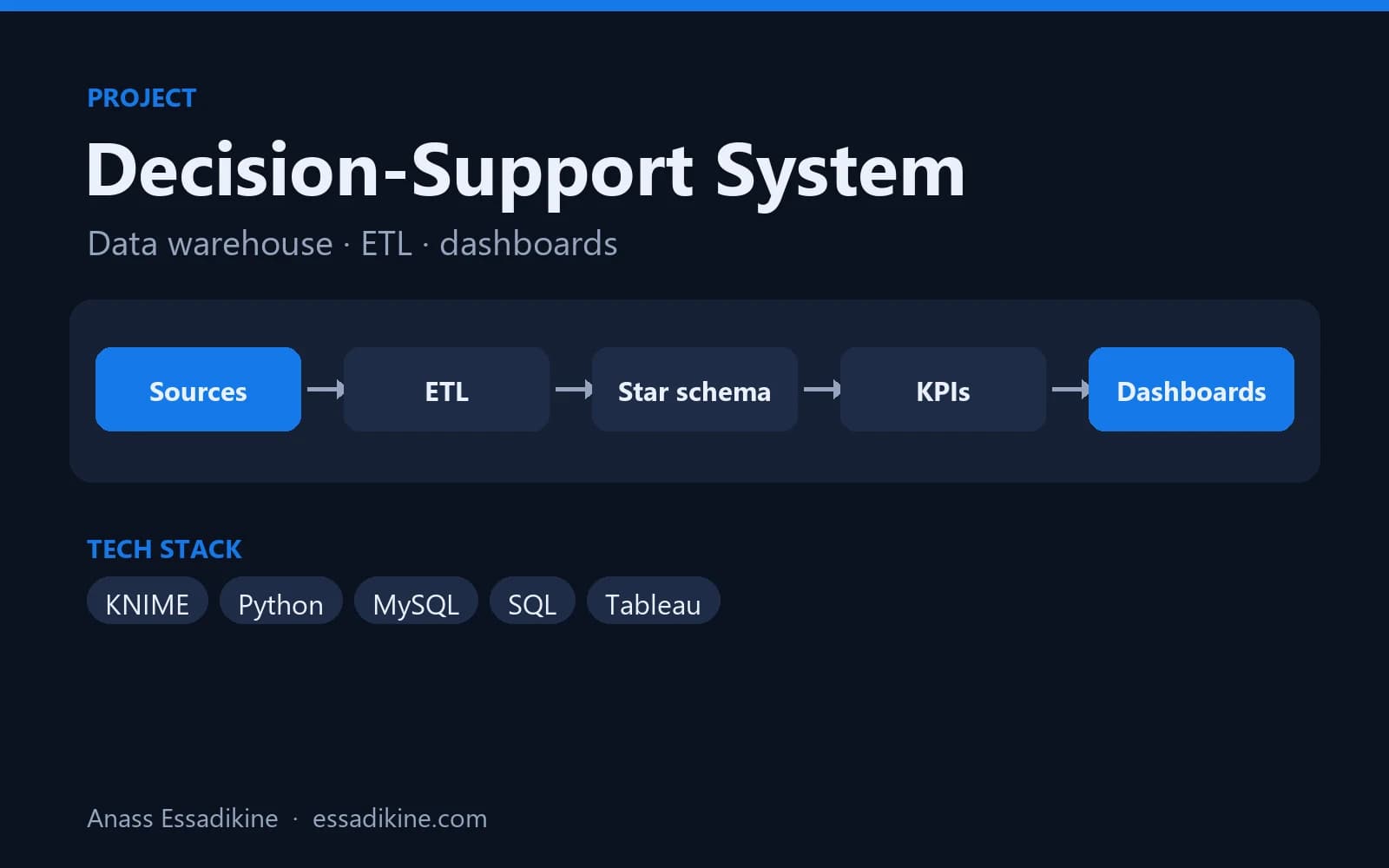 Data Analytics & BIAcademic project · 2025
Decision-Support System for Social Security Data (CNSS)
A star-schema data warehouse fed by ETL flows, with analytics dashboards for decision-makers.
Frequently asked questions
Power BI Desktop includes sample datasets and Microsoft publishes sample reports on Microsoft Learn. Templates are a good starting point, but they only work well once their measures are connected to a clean model of your own data.