What Is Power BI? A Complete Guide for Beginners and Businesses
Power BI is Microsoft's tool for turning scattered data into interactive reports. Here is what it does, how its parts fit together, what it costs and when it is the right choice.
What is Power BI, in one paragraph?
Power BI is Microsoft's business intelligence (BI) platform: it connects to your data, cleans and models it, and turns it into interactive reports and dashboards that people can explore in a browser, in Teams or on their phone. Instead of sending a new Excel file every Monday, you publish one report that refreshes automatically and lets each reader filter by period, region or product.
It is used by finance teams, sales managers, operations and data analysts — in short, anyone who needs to answer the same business questions every week from data that lives in several places.
What can you do with Power BI?
Most Power BI projects follow the same four steps:
- Connect — import or query data from Excel, CSV, SQL Server, PostgreSQL, MySQL, SharePoint, Salesforce, Google Analytics, APIs and many other sources.
- Prepare — clean and reshape the data with Power Query (remove empty rows, fix types, merge files, unpivot columns) without writing code.
- Model — link tables together (ideally in a star schema) and write DAX measures for your indicators: revenue, margin, growth, average basket.
- Share — publish the report to the Power BI service, schedule refreshes and control who sees what.
Typical uses include a monthly sales dashboard, a cash and receivables follow-up for finance, stock levels by warehouse, HR headcount and turnover, or call-centre performance.
What are the components of Power BI?
Power BI is not one application but a family of tools. Beginners often confuse them.
| Component | What it is for | Who uses it |
|---|---|---|
| Power BI Desktop | Free Windows application to connect, model and design reports | Analysts, developers |
| Power BI service | Cloud platform (app.powerbi.com) to publish, share, refresh and secure reports | Everyone |
| Power BI Mobile | iOS and Android apps to read reports | Managers, field teams |
| Power Query | The data-preparation engine inside Desktop (M language) | Analysts |
| DAX | Formula language for measures and calculated columns | Analysts, BI developers |
| On-premises data gateway | Lets the cloud refresh data stored on your own servers | IT, BI developers |
| Power BI Report Server | On-premises portal for companies that cannot use the cloud | IT |
Since 2023, the Power BI service is also part of Microsoft Fabric, Microsoft's wider data platform (data engineering, warehouses, real-time analytics). For most business reporting you can ignore Fabric at first and focus on Desktop and the service.
How does Power BI work, concretely?
Here is the typical flow for a first report:
Step 1 — Get the data
In Power BI Desktop, choose Get data, pick the source (for example an Excel export of invoices and a SQL table of customers) and load it.
Step 2 — Clean it in Power Query
Fix column types, remove test rows, standardise city names ("Casa", "Casablanca", "CASABLANCA" become one value). Power Query records every step, so the cleaning repeats itself at each refresh.
Step 3 — Build the model and the measures
Link the invoice table to the customer, product and date tables, then write measures. A first measure is often as simple as:
Total Sales = SUM ( Sales[Amount] )

Sales YoY % =
VAR SalesLY =
    CALCULATE ( [Total Sales], SAMEPERIODLASTYEAR ( 'Date'[Date] ) )
RETURN
    DIVIDE ( [Total Sales] - SalesLY, SalesLY )
The model is the step that decides whether your numbers will be right. If you want to go deeper, read the guide on the Power BI star schema and the list of essential DAX formulas.
Step 4 — Design and publish
Add visuals (cards for KPIs, line charts for trends, bar charts for rankings, a table for detail), slicers for filters, then Publish to a workspace in the Power BI service. There you schedule refreshes and share the report or package it as an app.
How much does Power BI cost?
Power BI Desktop is free. Costs appear when you want to share reports with colleagues. The public list prices on Microsoft's site at the time of writing are:
| Licence | List price (USD) | What it allows |
|---|---|---|
| Free | 0 | Build in Desktop, publish to your personal workspace only |
| Pro | 14 per user / month (annual commitment) | Share and collaborate with other Pro users |
| Premium Per User (PPU) | 24 per user / month (annual commitment) | Pro features plus larger models and advanced capabilities |
| Fabric capacity | Variable | Organisation-wide capacity; with a large enough capacity, readers can view content without a Pro licence |
Prices vary by region, currency and taxes, and Microsoft changes them from time to time, so always check the official Power BI pricing page before budgeting. In Morocco, companies usually buy licences through a Microsoft partner or their existing Microsoft 365 agreement.
A word of caution: the Publish to web option makes a report public on the internet. Never use it for internal or personal data.
Power BI vs Excel: which one should you use?
Excel and Power BI are complementary, not rivals. Power Query and the data model exist in both, but they serve different needs.
| Criterion | Excel | Power BI |
|---|---|---|
| Ad-hoc calculation, one-off analysis | Excellent | Overkill |
| Volume | Limited (about 1 million rows per sheet) | Millions of rows in a compressed model |
| Automatic refresh and sharing | Manual, by file | Scheduled, by link and app |
| Interactivity (filters, drill-down) | Basic | Native |
| Security by user | By file | Workspace roles and row-level security |
A simple rule: if the same report is rebuilt every week by hand, it belongs in Power BI.
Power BI vs Tableau vs Looker Studio
- Tableau is very strong for visual exploration and is common in large groups; it is generally more expensive per user.
- Looker Studio (Google) is free and good for marketing data from Google Ads, GA4 and Sheets, but weaker for complex data models.
- Power BI stands out for companies already on Microsoft 365, Excel and Teams, with a strong modelling engine (DAX) and a price per user that is often lower.
The concepts (star schema, measures, KPI design) transfer from one tool to another. For example, the CNSS decision-support project used a star schema and Tableau, while the D&A Studio platform included Power BI dashboards and KPI definitions.
Is Power BI used in Morocco?
Yes. Power BI appears frequently in data analyst, BI developer and finance job offers in Casablanca and Rabat, in sectors such as banking, insurance, telecoms, retail, industry and consulting firms. Many Moroccan organisations already use Microsoft 365, which makes Power BI a natural step. Reports often need to work for French-speaking users, sometimes with Arabic labels, which Power BI handles through custom titles, translations of field names and Unicode text.
What are the limits of Power BI?
Power BI is not the answer to every data problem:
- It is not a database. It reads data from systems; it should not become the place where data is entered or corrected.
- It does not fix bad data. Duplicates, missing codes and inconsistent definitions must be solved at the source or in the preparation layer, otherwise the dashboard only displays errors faster.
- Large or shared pipelines belong upstream. When several reports reuse the same transformations, an ETL process and a data warehouse are more robust than repeating Power Query steps in each file.
- Licences add up. With many readers, compare per-user licences with a capacity before rolling out.
How do you learn Power BI?
- Install Power BI Desktop (free, Windows) and load a dataset you know, such as your own sales or budget file.
- Follow the free Power BI learning paths on Microsoft Learn.
- Learn the star schema before advanced DAX.
- Build two or three end-to-end reports for your portfolio.
- Consider the official certification once you are comfortable: see the PL-300 certification guide.
Conclusion
Power BI turns repeated, manual reporting into a refreshed and shared source of truth. The tool is easy to start with — Desktop is free — but the quality of the result depends on clean data, a sound model and well-defined KPIs. If you need a dashboard built on solid foundations, see the Power BI dashboard service or the Data & AI Engineer profile.

Related projects
 AI & AutomationInternship · 2026
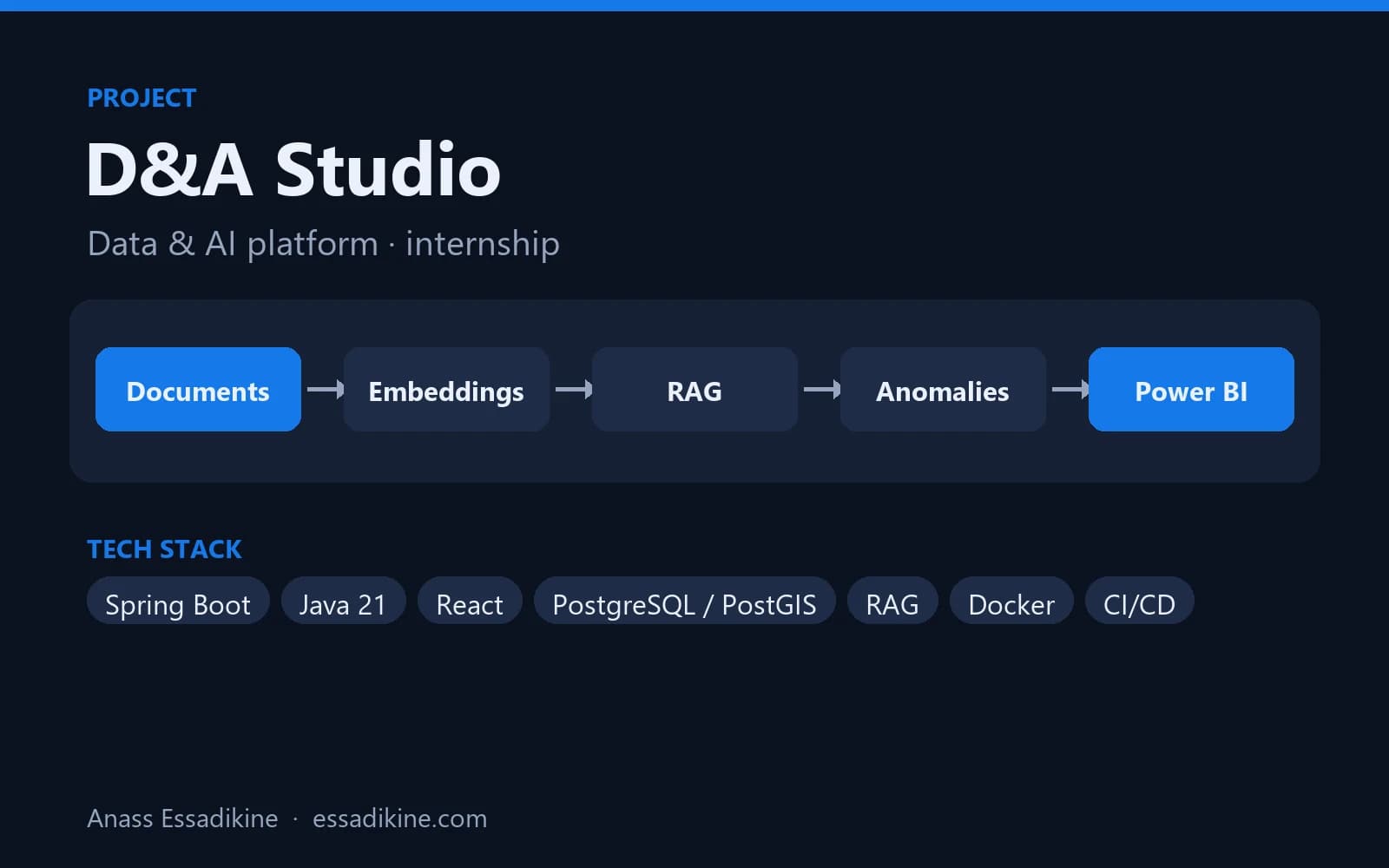
D&A Studio — Data & AI Platform (PaaS)
A platform that brings geospatial tracking data, an AI assistant on company documents, anomaly detection and BI dashboards into one place.
Frequently asked questions
Power BI Desktop is free to download and use for building reports. Sharing reports with colleagues through the Power BI service generally requires a Pro or Premium Per User licence, or a sufficiently large Fabric capacity.