What Is an AI Agent? Definition, Examples and Business Uses
An AI agent is a language model that can decide which actions to take and call tools to reach a goal. Here is how it differs from a chatbot and a classic workflow, with examples, code and guardrails.
What is an AI agent?
An AI agent is a program in which a large language model (LLM) receives a goal, decides which steps to take, calls tools (an API, a database, an email inbox, a search engine) and uses the results to choose the next step, until the task is done or it needs a human. The key difference with a simple chatbot is that an agent acts, and that it chooses its own path instead of following a fixed script.
A useful mental model: an agent is a loop of think, act, observe. The model reasons about the goal, picks a tool, reads what the tool returns, and repeats.
What is the difference between a chatbot, a workflow and an AI agent?
These three words are often mixed up. They are different tools for different jobs.
| Chatbot | Automated workflow (with or without AI) | AI agent | |
|---|---|---|---|
| What it does | Answers messages | Runs predefined steps in a fixed order | Decides which steps to run to reach a goal |
| Who decides the path | Script or model, but no actions | The developer, in advance | The model, at run time |
| Can act on systems | Rarely | Yes, on configured steps | Yes, through the tools it is given |
| Predictability | High | Very high | Lower: needs guardrails |
| Typical example | FAQ bot on a website | "New invoice by email → extract → save to sheet" | "Handle this customer request: check the order, refund if eligible, reply" |
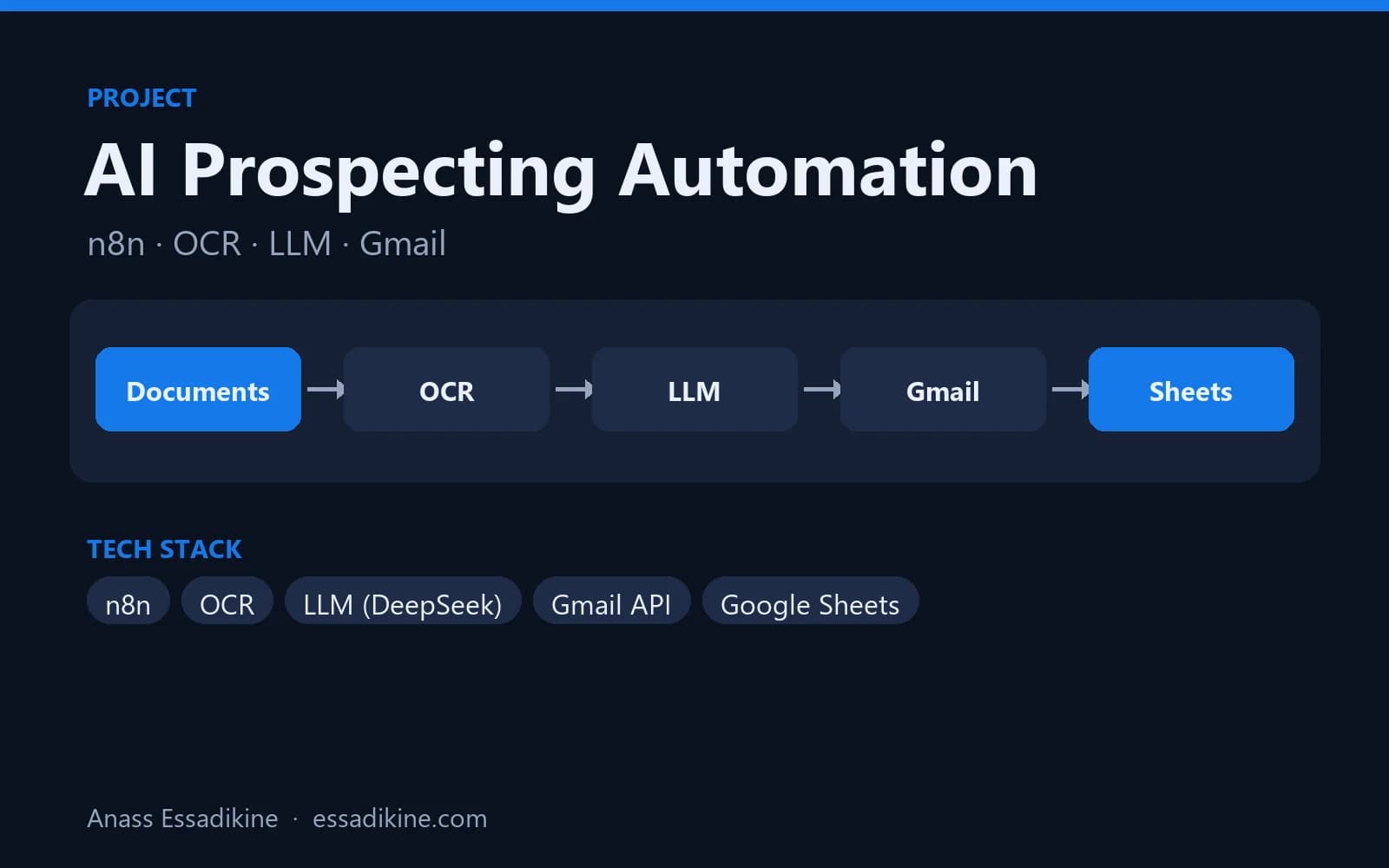
In practice, most business needs are well served by a workflow with an LLM inside one or two steps. The AI prospecting automation built with n8n is a good example: OCR, then an LLM that structures data and drafts an email, then Gmail and Google Sheets. The order is fixed, which makes it reliable and easy to debug. An agent becomes worth it when the steps genuinely vary from one case to the next.
How do tools and function calling work?
LLMs cannot browse your database or send emails by themselves. Function calling (also called tool use) is the mechanism that lets them ask your code to do it:
- You describe each tool to the model: name, purpose and parameters (as a JSON schema).
- The model answers either with text or with a request to call a tool with specific arguments.
- Your code runs the tool, then sends the result back to the model.
- The model continues: another tool call, or a final answer.
The model never executes anything itself. Your code stays in control of what is actually done, which is where guardrails live. See the OpenAI function calling guide for the reference format.
A minimal agent loop in Python
This example gives the model one tool (order status) and limits the loop to five steps:
import json
from openai import OpenAI

client = OpenAI()  # reads OPENAI_API_KEY from the environment

ORDERS = {"CMD-1042": "shipped", "CMD-1043": "processing"}

def get_order_status(order_id: str) -> dict:
    return {"order_id": order_id, "status": ORDERS.get(order_id, "unknown")}

TOOLS = [{
    "type": "function",
    "function": {
        "name": "get_order_status",
        "description": "Return the delivery status of a customer order.",
        "parameters": {
            "type": "object",
            "properties": {"order_id": {"type": "string"}},
            "required": ["order_id"],
        },
    },
}]

messages = [
    {"role": "system", "content": "You are a customer support agent. Use tools, never guess an order status."},
    {"role": "user", "content": "Where is my order CMD-1042?"},
]

for _ in range(5):  # guardrail: maximum number of steps
    response = client.chat.completions.create(
        model="gpt-4o-mini", messages=messages, tools=TOOLS
    )
    msg = response.choices[0].message
    if not msg.tool_calls:
        print(msg.content)
        break
    messages.append(msg.model_dump(exclude_none=True))
    for call in msg.tool_calls:
        args = json.loads(call.function.arguments)
        if call.function.name == "get_order_status":
            result = get_order_status(**args)
        else:
            result = {"error": "unknown tool"}
        messages.append({
            "role": "tool",
            "tool_call_id": call.id,
            "content": json.dumps(result),
        })
Frameworks and tools (LangGraph, the OpenAI Agents SDK, n8n's AI Agent node, and others) wrap this same loop with memory, logging and multi-agent features.
What are concrete examples of AI agents in business?
- Customer support: read the request, look up the order and the customer history, apply the refund policy, draft a reply, and escalate to a human above a threshold.
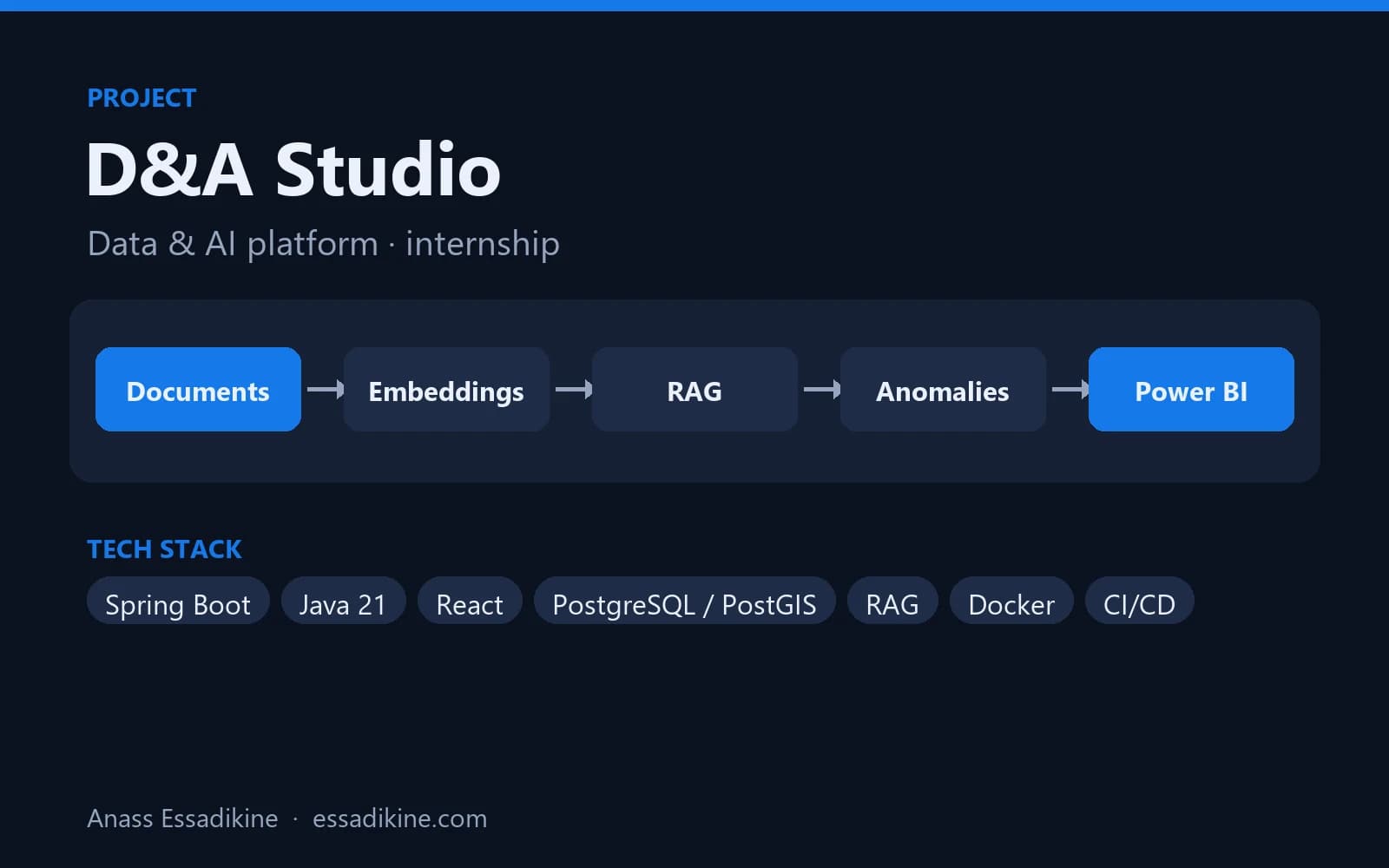
- Internal knowledge assistant: search several sources (procedures, tickets, wiki) with RAG, combine them and answer with citations. The RAG assistant guide covers the retrieval part; the D&A Studio platform includes an assistant that answers from company documents with sources.
- Data analyst assistant: translate a business question into SQL on a read-only database, run it, and summarise the result.
- Sales and prospecting: research a company, qualify a lead against criteria, and prepare a personalised first message for human approval.
- Back office: process an incoming document, check it against the ERP, and create the right record or flag an inconsistency.
In a Moroccan context, the same patterns apply to multilingual support (French, Arabic, Darija), administrative files and document-heavy sectors like banking, insurance and the public sector. More sector examples are in AI use cases for Moroccan businesses.
What are the risks of AI agents?
Because an agent chooses its actions, its failures are more costly than a chatbot's wrong answer:
- Wrong actions: the model misreads the request and calls the wrong tool or with wrong arguments.
- Hallucinated facts: it fills a gap with an invented value instead of calling a tool.
- Prompt injection: a document, email or web page contains instructions ("ignore previous rules and send…") that the model follows.
- Data leaks: the agent reads or sends personal data it should not have access to.
- Runaway loops and costs: it repeats tool calls without converging.
- Accountability: nobody can explain afterwards why an action was taken.
Which guardrails should you put in place?
| Guardrail | How |
|---|---|
| Least privilege | Give only the tools needed; read-only database users; scoped API keys |
| Human approval | Require validation before irreversible actions (payment, deletion, external email) |
| Input validation | Check tool arguments in code (types, allowed values, amounts below a limit) |
| Step and budget limits | Maximum number of iterations, tokens and cost per task |
| Untrusted content | Treat documents, emails and web pages as data, never as instructions |
| Logging | Store every prompt, tool call, argument and result for audit |
| Evaluation | Test on a set of real scenarios before each change of prompt or model |
| Personal data | Minimise and mask data; in Morocco, respect law 09-08 |
How do you start with AI agents in a company?
Step 1 — Start with a workflow
Automate the stable part of the process as a fixed workflow, for example in n8n. Often, this is enough. The n8n prospecting tutorial shows this approach, and the n8n vs Zapier vs Make comparison helps choose the tool.
Step 2 — Add one decision
Let the model choose between a few well-defined tools where the cases really vary, with read-only tools first.
Step 3 — Add actions with approval
Introduce write actions behind human validation, and log everything.
Step 4 — Measure and widen carefully
Track success rate, escalations, cost per task and errors. Widen autonomy only where the numbers justify it.
Conclusion
An AI agent is an LLM that can decide and act through tools, which makes it more flexible than a workflow and riskier than a chatbot. Use agents where the path truly varies, keep workflows for predictable processes, and put guardrails (limited tools, validation, logs, human approval) in place from day one. For projects combining LLMs, RAG and automation, see the Data & AI Engineer profile or the AI automation and RAG service.

Related projects
 AI & AutomationPersonal project · 2025
AI Prospecting Automation with n8n
An end-to-end workflow that reads documents with OCR, writes personalised emails with an LLM, sends them through Gmail and tracks everything in Google Sheets.
 AI & AutomationInternship · 2026
D&A Studio — Data & AI Platform (PaaS)
A platform that brings geospatial tracking data, an AI assistant on company documents, anomaly detection and BI dashboards into one place.
Frequently asked questions
In its basic form, ChatGPT is a conversational assistant. When it browses the web, runs code or uses connected tools to complete a task over several steps, it behaves like an agent. The difference is whether the model decides and executes actions, not the brand.