KPI Examples: Definition, Formulas and How to Build a KPI Dashboard
A KPI is a measure tied to a goal, with a formula, an owner and a target. Here are concrete KPI examples by department and a method to put them on a dashboard people actually use.

What is a KPI?
A KPI (key performance indicator) is a number that tells you whether you are reaching a specific business goal. "Monthly revenue" is a metric; "monthly revenue versus a 2 million MAD target, owned by the sales director, reviewed every Monday" is a KPI. The difference is the link to a goal, a target and someone accountable.
Every KPI is a metric, but most metrics are not KPIs. A company can track hundreds of numbers; only a handful deserve a place at the top of a dashboard.
What is the difference between a KPI, a metric and an OKR?
| Concept | What it is | Example |
|---|---|---|
| Metric | Any measured value | Number of website visits |
| KPI | A metric tied to a goal, with a target and an owner | Conversion rate ≥ 2.5 % this quarter |
| OKR | An objective plus 3–5 measurable key results, usually quarterly | "Grow online sales": reach 1,200 orders, cut cart abandonment to 60 % |
| Leading indicator | Moves before the result | Number of qualified quotes sent |
| Lagging indicator | Confirms the result after the fact | Revenue invoiced |
A useful dashboard mixes both: lagging KPIs tell you where you are, leading KPIs tell you where you are going.
What makes a good KPI?
The classic SMART checklist (specific, measurable, achievable, relevant, time-bound) still works. In practice, five questions are enough:
- Is the formula written down? "Margin" can mean gross margin, contribution margin or net margin. If two people compute it differently, it is not a KPI yet.
- Where does the data come from? ERP, CRM, accounting software, a spreadsheet maintained by hand.
- Who owns it? One person or role who explains the number and acts on it.
- What is the target and the alert threshold? Without a target, a number is just information.
- Can someone act on it? If nobody changes a decision when it moves, remove it.
KPI examples by department
The table below lists common KPIs with their formula. Adapt names and targets to your sector.
| Department | KPI | Formula |
|---|---|---|
| Sales | Revenue vs target | Revenue / Target revenue |
| Sales | Average order value | Revenue / Number of orders |
| Sales | Quote conversion rate | Quotes won / Quotes sent |
| Marketing | Cost per lead | Marketing spend / Leads generated |
| Marketing | Website conversion rate | Orders (or forms) / Sessions |
| Finance | Gross margin % | (Revenue − Cost of goods sold) / Revenue |
| Finance | Days sales outstanding (DSO) | (Accounts receivable / Revenue of the period) × Days in the period |
| Customer service | First contact resolution | Tickets solved at first contact / Total tickets |
| Customer | Churn rate | Customers lost in the period / Customers at start of period |
| Operations | On-time delivery rate | Orders delivered on time / Orders delivered |
| Operations | Stock rotation | Cost of goods sold / Average stock value |
| HR | Absenteeism rate | Days absent / Days worked planned |
| HR | Turnover | Departures in the period / Average headcount |
Sector examples in Morocco
- Retail and distribution: sales per square metre, stock-outs, average basket, sales per store and per region (Casablanca-Settat, Rabat-Salé-Kénitra, Tanger…).
- Telecom and subscription services: churn, ARPU (average revenue per user), activations per channel.
- Banking and insurance: cost-to-income ratio, non-performing loan ratio, claims processing time.
- Public administration and social-security-type data: processing time per file, declarations received on time, coverage rate per region. The CNSS decision-support project is an example of indicators read by period, region and category.
How do you define a KPI? The KPI sheet
Before building any chart, write a one-page KPI sheet for each indicator and get it validated by its owner:
| Field | Example |
|---|---|
| Name | On-time delivery rate |
| Business question | Are we keeping our delivery promise? |
| Formula | Orders delivered on or before the promised date / Orders delivered |
| Source | Order management system, table of deliveries |
| Grain and filters | Per order; excludes cancelled orders |
| Frequency | Weekly, reviewed every Monday |
| Owner | Logistics manager |
| Target / alert | Target ≥ 95 %, alert below 90 % |
This sheet prevents the most common dashboard problem: two reports showing two different numbers for the "same" KPI.
How do you calculate a KPI in SQL or DAX?
Once the definition is fixed, the calculation is usually short. In SQL (PostgreSQL), the on-time delivery rate per month:
SELECT
    date_trunc('month', delivered_at)::date AS month,
    ROUND(
        100.0 * COUNT(*) FILTER (WHERE delivered_at <= promised_at)
        / NULLIF(COUNT(*), 0),
        1
    ) AS on_time_rate_pct
FROM deliveries
WHERE status <> 'cancelled'
GROUP BY 1
ORDER BY 1;
In Power BI, the same logic as DAX measures, assuming a Deliveries fact table and a date table:
Delivered Orders =
COUNTROWS ( FILTER ( Deliveries, Deliveries[Status] <> "cancelled" ) )

On-Time Orders =
COUNTROWS (
    FILTER (
        Deliveries,
        Deliveries[Status] <> "cancelled"
            && Deliveries[DeliveredAt] <= Deliveries[PromisedAt]
    )
)

On-Time Rate % = DIVIDE ( [On-Time Orders], [Delivered Orders] )
Measures like these only behave correctly on a clean model. If filters by date or region give strange totals, the issue is usually the data model; see how to build a Power BI star schema and the essential DAX formulas.
How many KPIs should a dashboard show?
For a management dashboard, 5 to 8 KPIs on the first page is a good order of magnitude. Beyond that, nobody reads them. A simple layout:
- Top row: the main KPIs as cards, each with its value, target and trend versus the previous period.
- Middle: one or two charts that explain the main KPI (trend over time, breakdown by region or product).
- Bottom or second page: detail tables for people who need to investigate.
Other rules that make dashboards usable:
- One audience per dashboard: executives, sales managers and operations need different views.
- Colours carry meaning (red only for an alert), not decoration.
- Always show the comparison: versus target, versus last month, versus same period last year.
- Show the data refresh date so users know how fresh the numbers are.
Power BI has a dedicated KPI visual (value, target and trend); its behaviour is documented on Microsoft Learn. For page-by-page layout ideas, see these Power BI dashboard examples.
Common KPI mistakes to avoid
- Vanity metrics: page views or followers that look good but do not drive a decision.
- Too many KPIs: when everything is "key", nothing is.
- No single definition: finance and sales each compute margin their own way.
- Targets that nobody owns: a red KPI that nobody is responsible for stays red.
- Manual data: a KPI rebuilt by hand each month in Excel is slow and error-prone; automate the data flow once the definition is stable.
- Ignoring data quality: duplicates, missing dates or wrong codes silently distort KPIs. Basic checks, like those described in data quality and anomaly detection, catch these problems before they reach the dashboard.
Conclusion
A KPI is a number with a purpose: a goal, a formula, an owner and a target. Start with a short list per audience, write a KPI sheet for each, compute them on a clean model, and display them with a comparison so people can act. In the D&A Studio platform, for example, Power BI dashboards were built on top of explicit KPI definitions (see the project).
If you want help defining your indicators or turning them into a Power BI dashboard, see the Power BI dashboard service.

Related projects
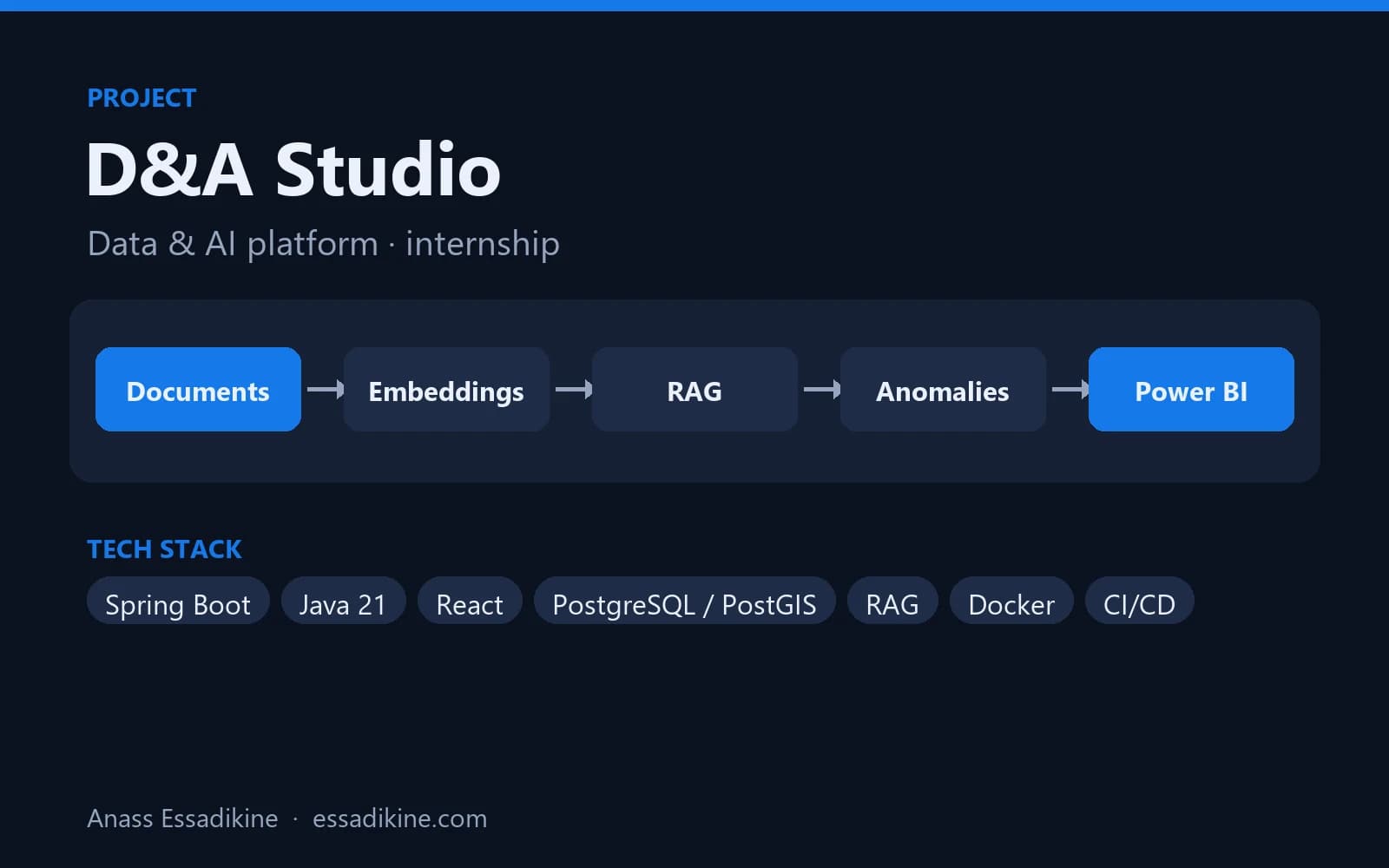 AI & AutomationInternship · 2026
D&A Studio — Data & AI Platform (PaaS)
A platform that brings geospatial tracking data, an AI assistant on company documents, anomaly detection and BI dashboards into one place.
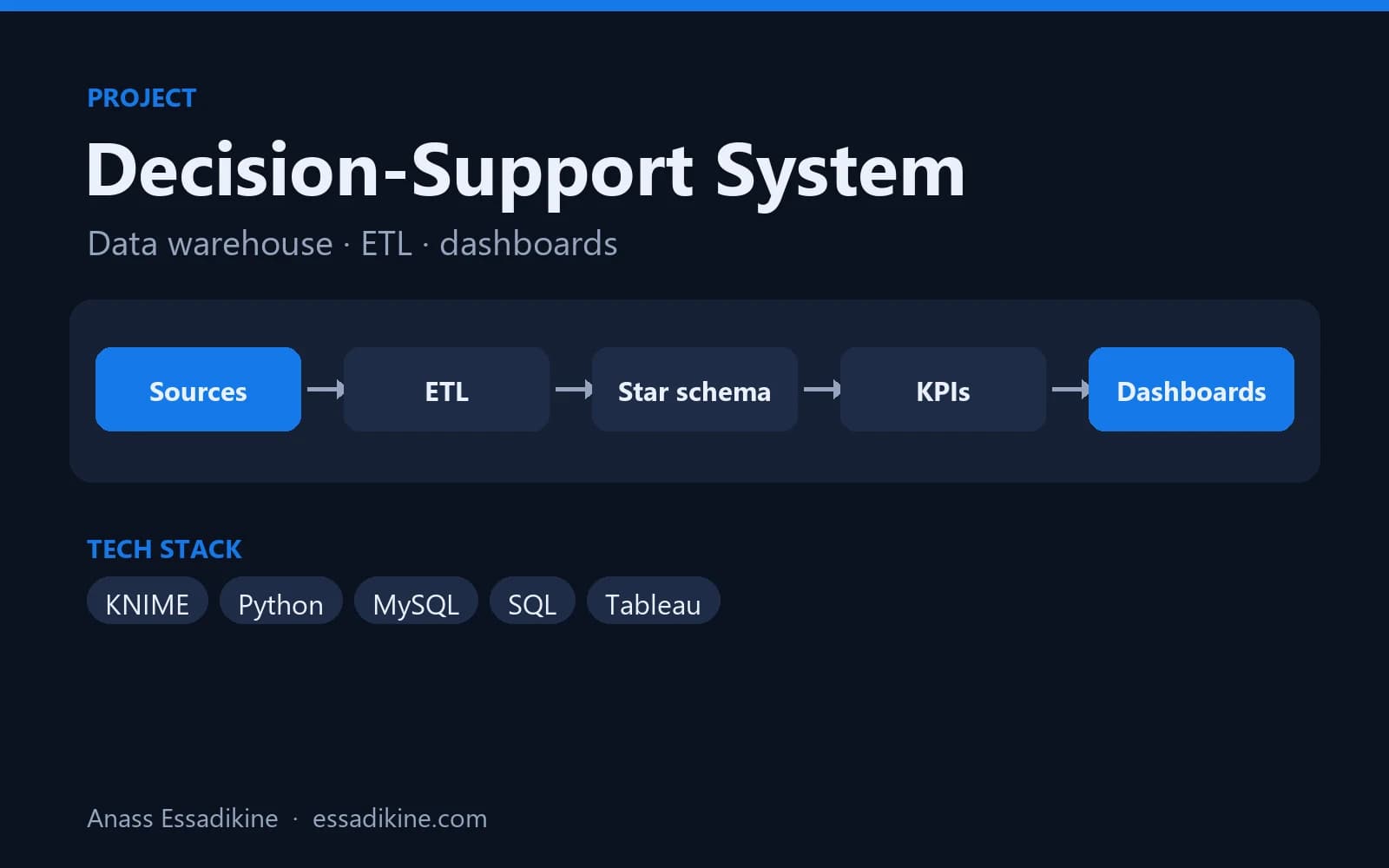 Data Analytics & BIAcademic project · 2025
Decision-Support System for Social Security Data (CNSS)
A star-schema data warehouse fed by ETL flows, with analytics dashboards for decision-makers.
Frequently asked questions
KPI stands for key performance indicator. It is a measurable value linked to a business goal, with a defined formula, an owner and a target, used to check whether the goal is being reached.